Shenzhen Clever Electronic Co., Ltd
27
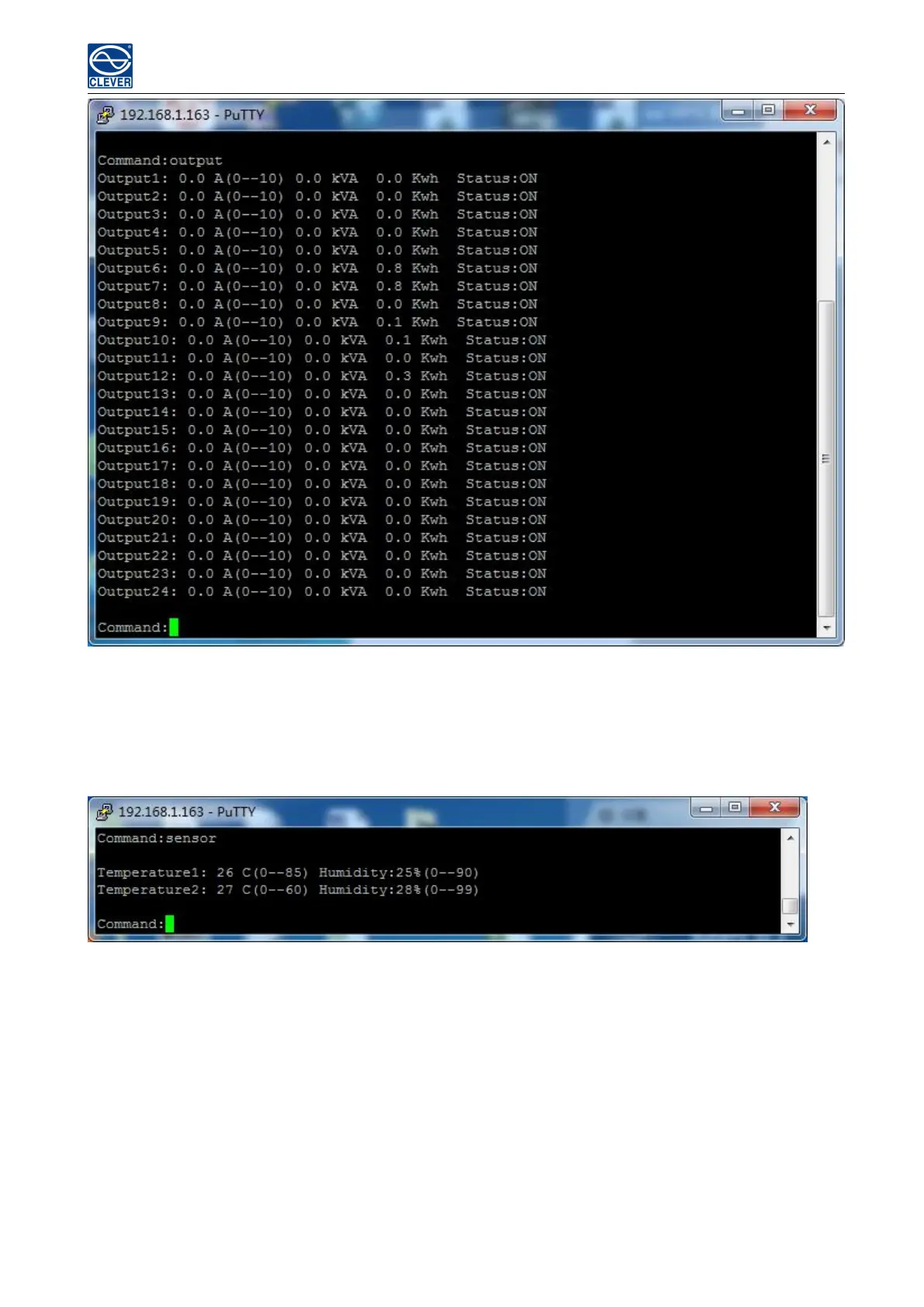
Figure 2-4
C. “SENSOR” command
Use the Sensor command to view the temperature/humidity status and its threshold
Command line format: SENSOR; see figure as 2-5
Figure 2-5
D. “ON/OFF” command
Use the ON/OFF command to switch On/Off the individual outlet, outlets from each phase or all outlets.
Command line format: ON/OFF 【index】【operation】 see as figure 2-6
【index】Individual outlets, Group, Phase.
【operation】 Serial number 1 means the outlet 1 from phase 1, see details as below:



 To Next Page