Shenzhen Clever Electronic Co., Ltd
29
Enter command line: on phase 1 to switch on outlets from phase 1;
Enter command line: off phase 1 to switch off outlets from phase 1;
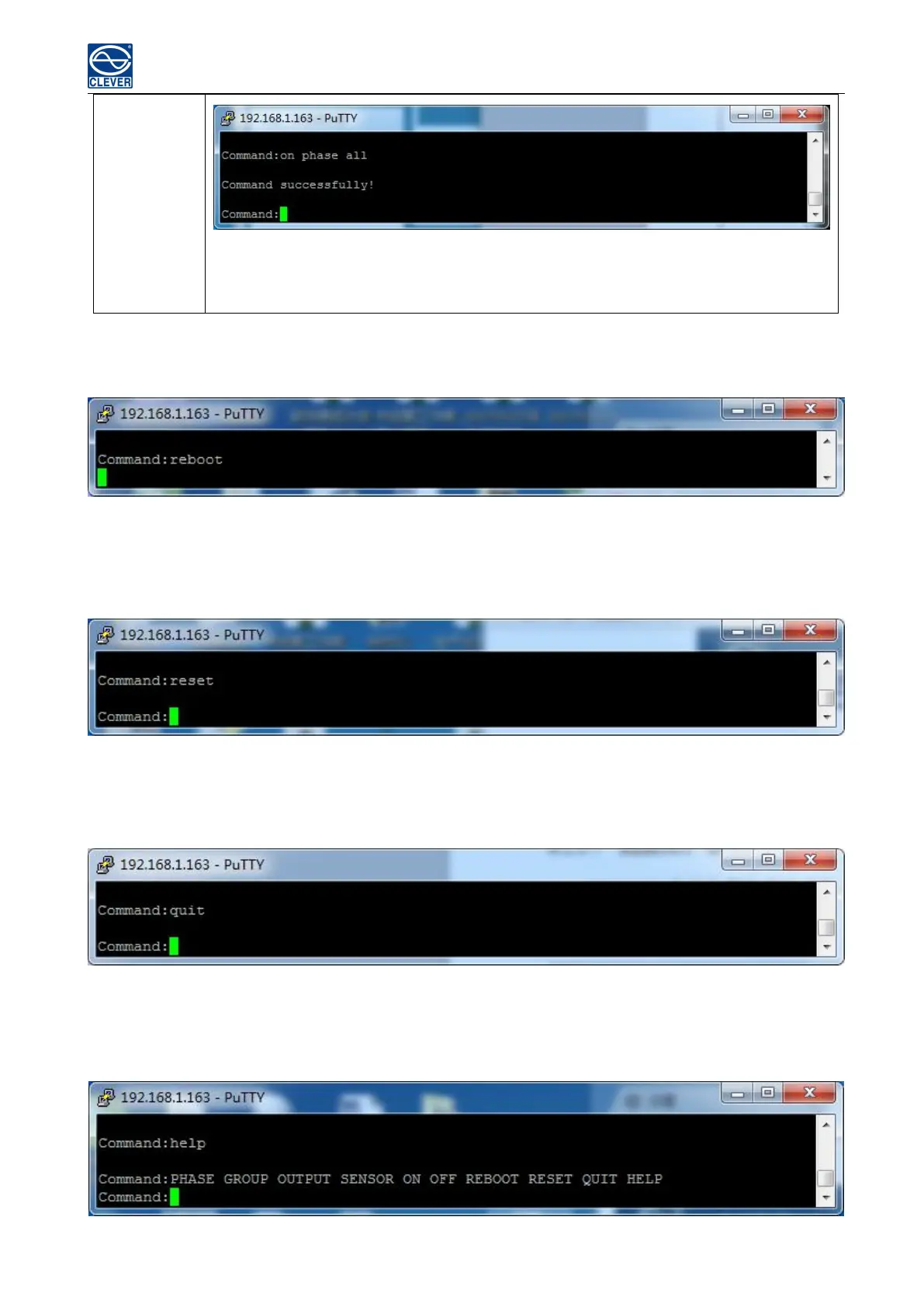
E. REBOOT Command
Use the REBOOT command to restart the device as figure 2-8
Figure 2-8
F. RESET Command
Use the RESET command to restore to factory settings as figure 2-9
Figure 2-9
G QUIT Command
Use the QUIT command to logout the current Telnet command line interface. See figure 2-10
Figure 2-10
H Help Command
Use the HELP command to shows general help, see figure 2-11
Figure 2-11



 To Next Page