system
off
cool
heat
hold/rtrn
em
heat
program
Methods of Operation (cont.)
AM
PM
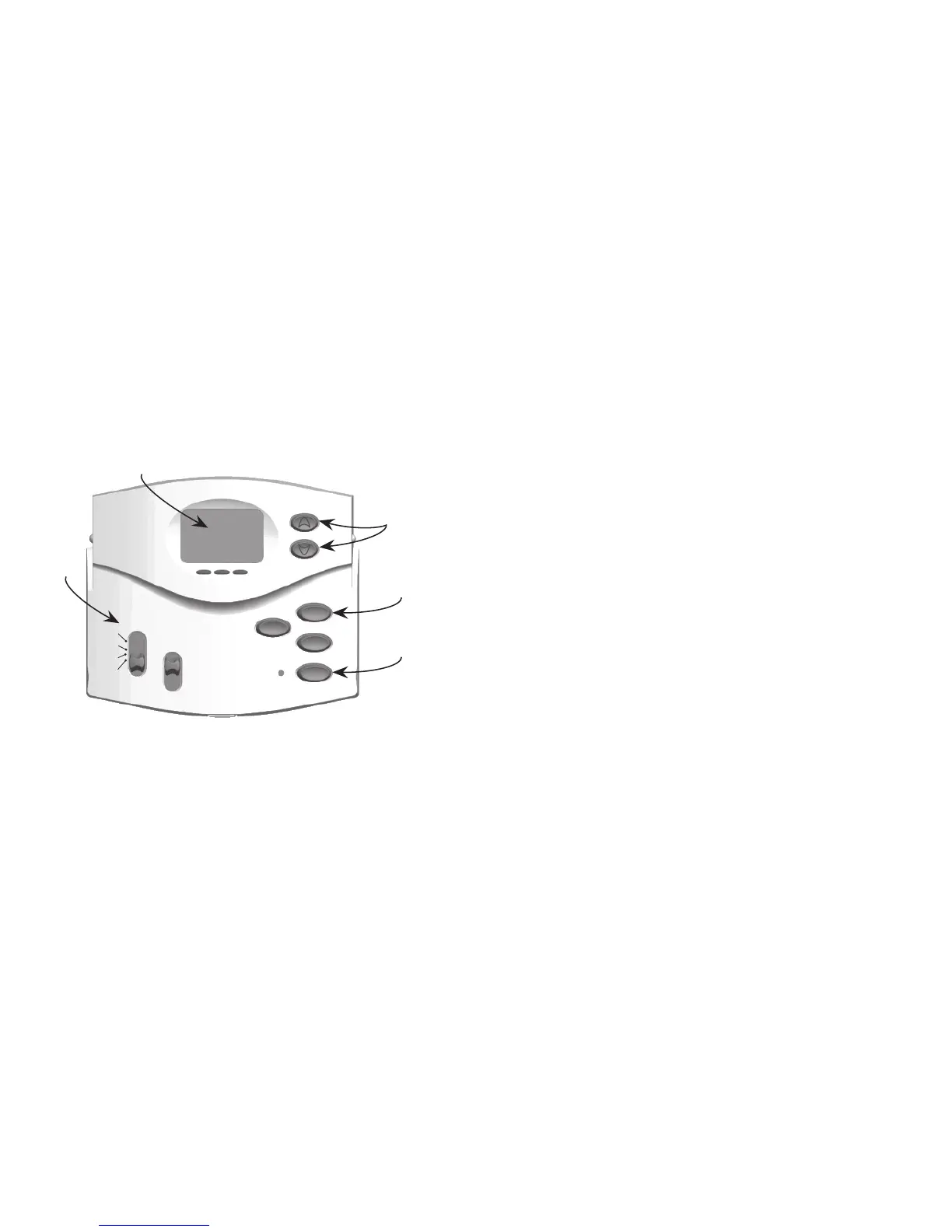
Ho l D /re T U r n
Pr o g r a m
UP and Do w n
buttons
s y s T e m switch
AM/PM indicator
3. CREATING CUSTOM PROGRAMS
NOTES:
• Programtimescanbesetin10minuteincrements.
• Programtemperaturecanbesetinincrementsof1
o
F (1
o
C).
• After15secondsofinactivityduringprogramming,thethermostatwillreturntoNormal
Display mode.
• Whensettingeachprogramtime,notetheAM/PMindicator.
• PressHo l D /re T U r n at any time to exit Program mode.
PROCEDURE:
1. Slide the s y s T e m switch to HeaT or Cool to program the corresponding system.
2. Press Pr o g r a m toenterProgrammode.(TheLCDwillbegintoash.)



 To Next Page