THERMOSTAT CONTROLS
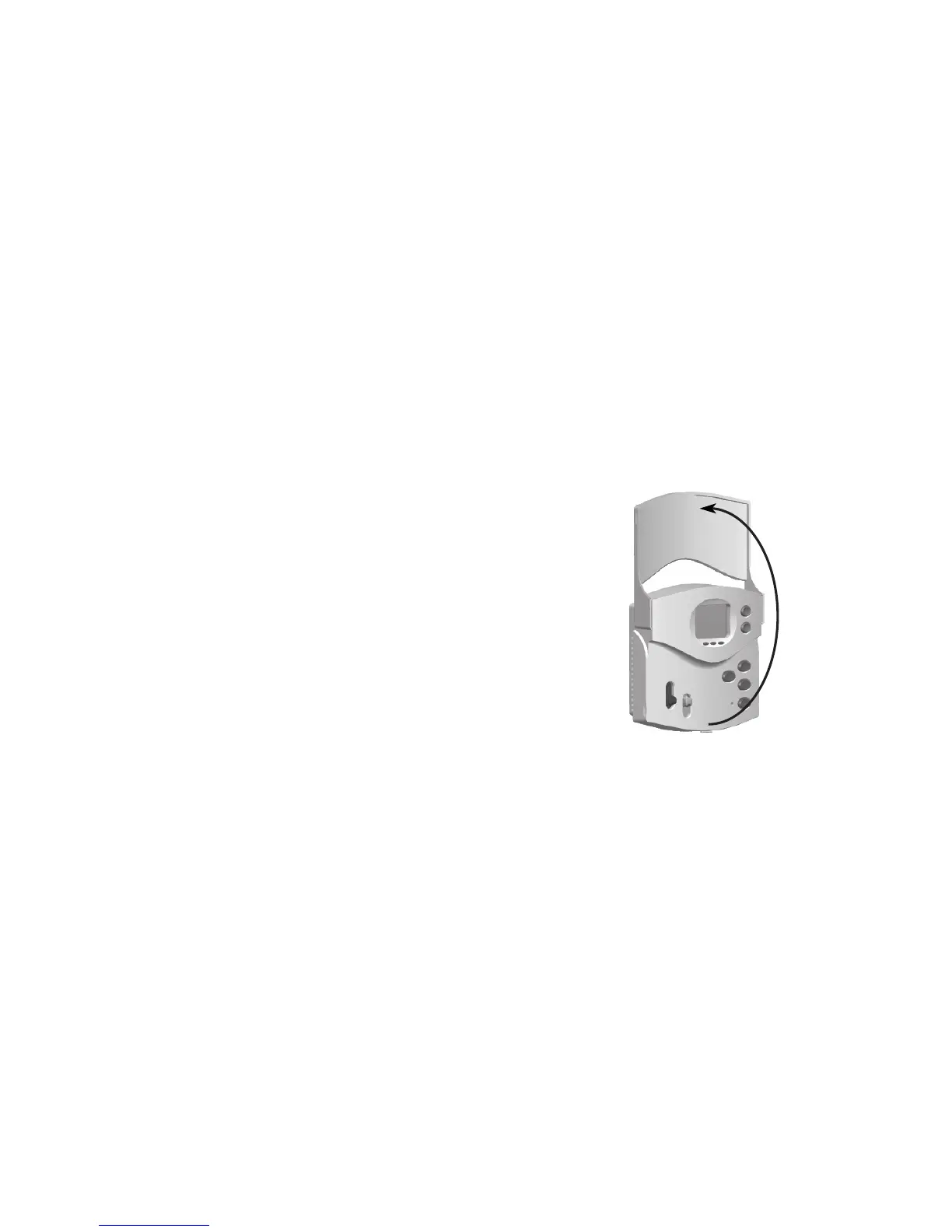
• Open the thermostat’s front cover. See Figure 6.
Figure 6
• Insertthetabsontopofthethermostatbodyintotheslotsatthetopofthewallplate.Pressthebottomof
the thermostat body into the snap on the bottom of the wallplate. (NOTE:Donotforcethethermostatonto
the wallplate, as the terminal pins may be damaged. If it does not snap properly, the thermostat may not
work.)
• Turnonpowertotheheatpumpsystem.
• If the wiring to the thermostat has been correctly connected, and if the thermostat has been correctly
mounted to the wallplate, then the LCD Display should show the indoor room temperature.



 To Next Page