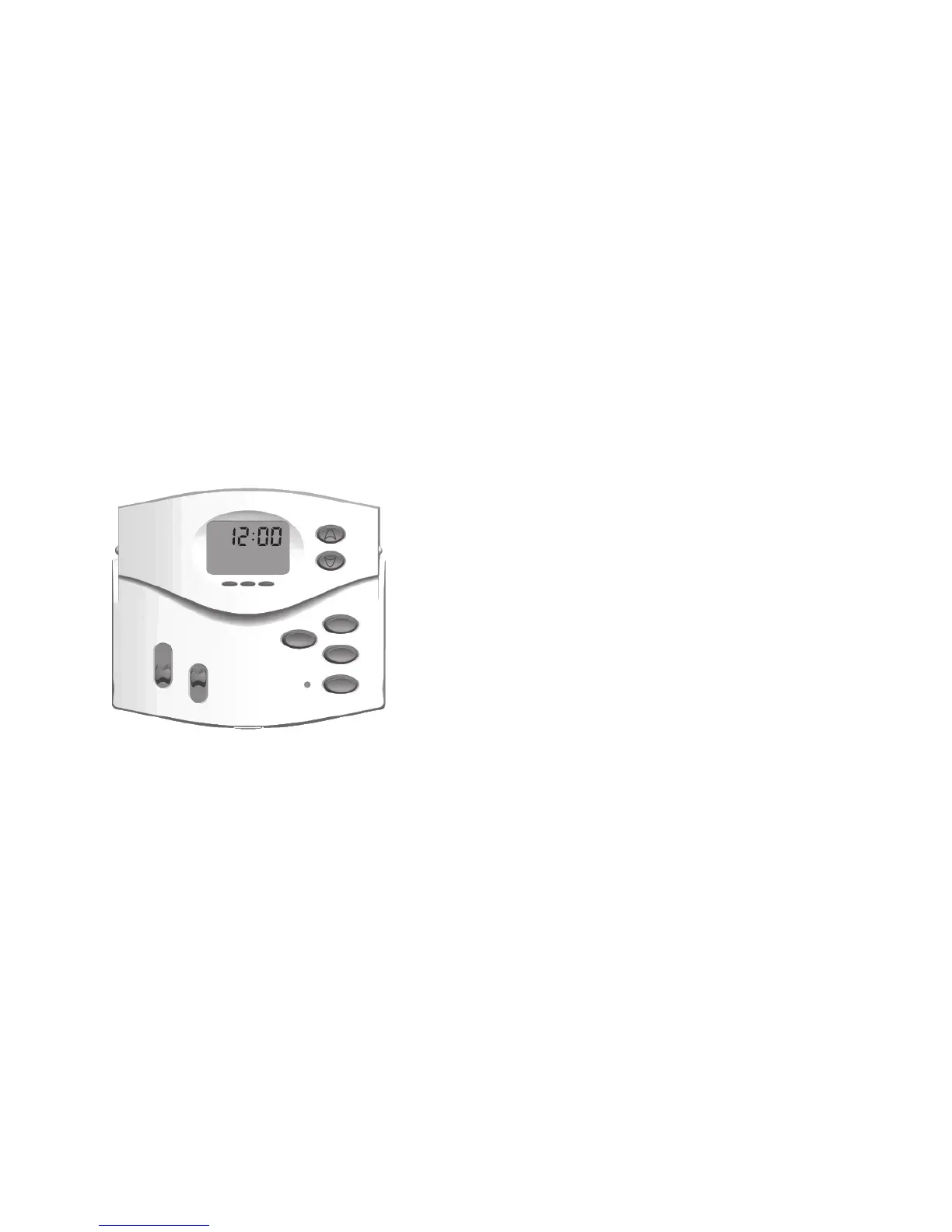
The default for this thermostat setting is in a 12 hour format. You can change the format to 24
hour format by pressing Da y /Ti m e and then Pr o g r a m .
The AM/PM indicator will be off when the thermostat is in 24 hour mode.
Settingdayandtime:
1. Press Da y /Ti m e .(AM/PMandcurrenthourwillash)
Press UP or Do w n to adjust the setting.
2. Press Da y /Ti m e again to adjust the minute setting.
Press UP or Do w n to adjust the setting.
3. Press Da y /Ti m e again to adjust the day of the week.
Press UP or Do w n to adjust the setting.
4. Press Da y /Ti m e to return to the normal display.
Press UP or Do w n to adjust the setting.
You may also press Ho l D /re T U r n at any time to return to the normal display.
Settings
program
day/time
AM
PM



 To Next Page