climatemaster.com
7
iGate
®
ConnectProgrammableThermostat
Revised:December20,2021
THE SMART SOLUTION FOR ENERGY EFFICIENCY
System Settings
ReferencetheSystemCongurationsectionforinformationonaccessingSystemSettings.
Availableremotely(web/mobile)andatthermostatdisplay.
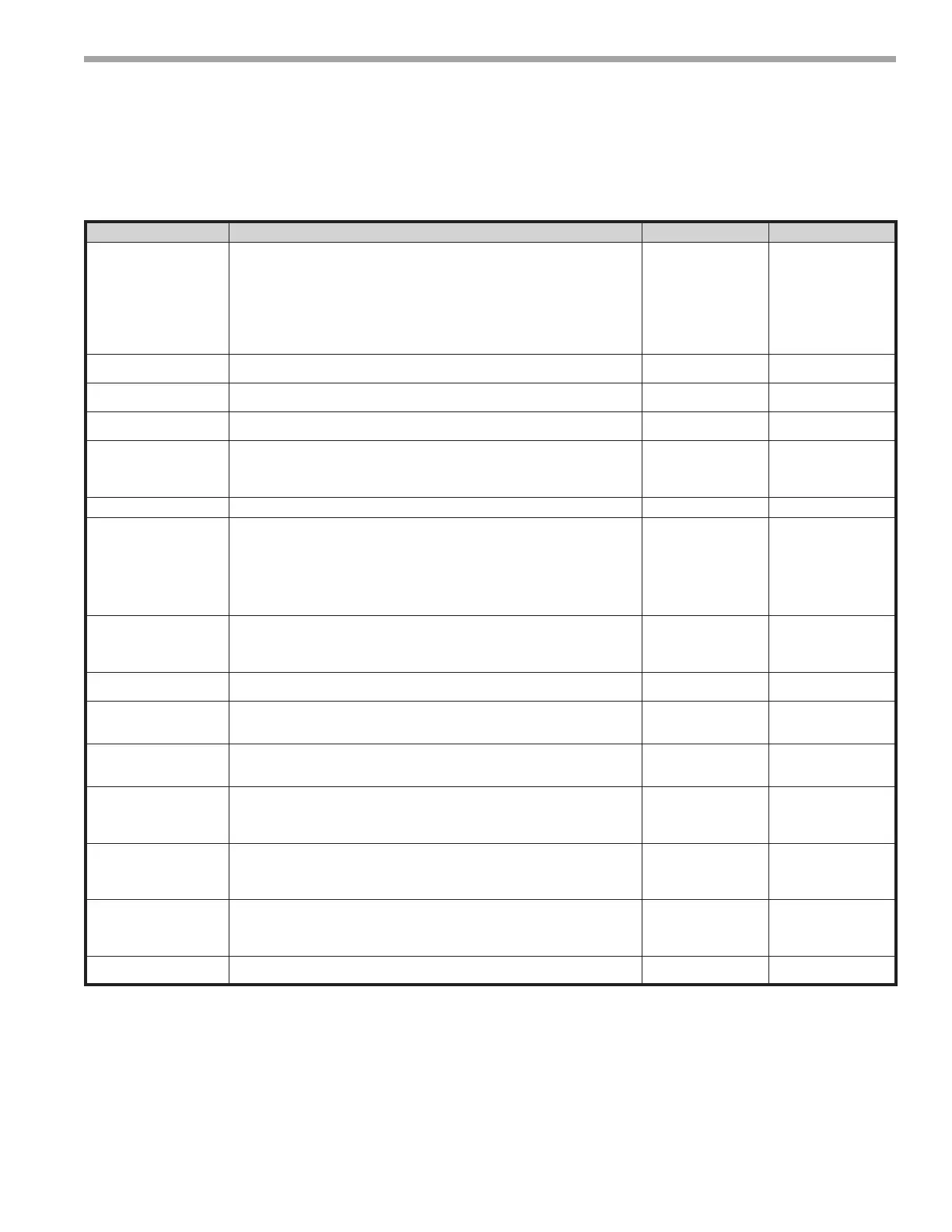
System Setting Description Range/Options Default
Time Zone Congures the time zone of the thermostat.
Hawaii, Alaska,
Pacic, Mountain,
Central, Eastern,
Atlantic,
Newfoundland,
Pierre & Miquelon,
W. Greenland, E.
Greenland, Greenwich
Central
Auxiliary Heat Congures the auxiliary heat mode.
Supplemental,
Emergency, None
Supplemental
Auto Mode Allowed
Automatically switch from heating to cooling to maintain the temperature
between the setpoints.
Yes, No Yes
Application Mode Congures the application of the thermostat.
Commercial,
Residential
Residential
Hold Action
Select how long the iGate
®
Connect thermostat will hold the new temperature
before reverting to the regular program.
1 Hour, 2 Hours, 3
Hours, 4 Hours, 5
Hours, 6 Hours, Until
Next Prog Event
2 hours
Temperature Display Congures the temperature scale. Fahrenheit, Celsius Fahrenheit
Smart Recovery (requires
Programming to be
enabled)
Transitions the conditioned space from one programmable temperature period
to the next with 1°F increments of the heating setpoint or with 1°F decrements
of the cooling setpoint, so that by the time the next period starts, the setpoints
are at the desired temperature. The purpose of the gradual transition is to use
less energy by preventing staging up (because of a higher demand) to higher
stages. The transitions occur in a linear fashion over the smart recovery time
period.
No, 30 minutes, 60
minutes, 90 minutes
30 minutes
Temperature Oset Allows for calibration of the temperature sensor by the selected amount.
–5°F to +5°F, in 1°F
increments
(–2.5°C to +2.5°C, in
0.5°C increments)
0°F (0°C)
Humidity Oset Allows for calibration of the humidity sensor by the selected amount.
–9% to +9% in 1%
increments
0%
Remote Sensor Congure the application of the remote sensor input.
None, Space,
Outdoor, Average,
Occupancy
None
Humidity Control Determines available humidity mode(s).
Humidication,
Dehumidication,
Both, None
Dehumidicaton
Maximum Heat Setpoint
Maximum heating setpoint available on the Heat Setpoint Wheel and the
maximum heating setpoint that can be used during the occupied program
schedule.
50°F to 88°F, in 1°F
increments
(10°C to 31°C, in
0.5°C increments)
88°F (31°C)
Minimum Cool Setpoint
Minimum cooling setpoint that is available on the Cool Setpoint Wheel and
the minimum cooling setpoint that can be used during the occupied program
schedule.
52°F to 90°F, in 1°F
increments
(11°C to 32°C, in
0.5°C increments)
65°F (18.5°C)
Occupancy Input
(requires Remote Sensor
set to Occupancy and
Programming enabled)
Congures the interpretation of a short detected on the Remote Sensor input
(for the duration of 2 to 5 seconds).
Occupied, Unoccupied Occupied
Line Frequency
Congures the operational timers within the thermostat to ensure timing
accuracy.
50 Hz, 60 Hz 60 Hz
Startingatemporaryholdinthemiddleofasmartrecovery,thesetpointsofthetemporaryholdareused.Ifa
temporaryholdisalreadyactiveduringthetimethatsmartrecoverywouldhavebeenstarted,asmartrecoverydoes
notstart.Ifthetemporaryholdendsinthemiddleofwhatwouldhavebeenasmartrecovery,thesmartrecoverystarts
whereitwouldhavebeeninthelinearprogressionatthesametimeaswhenthetemporaryholdwasnotactive.
IfRemoteSensorconguredtoNoneorSpace,theoutdoortemperatureisacquiredbyWi-Fithroughtheserver,based
onthelocationofthemobiledeviceusedtoconnectthethermostattoarouter.
RemoteSensoroptionOccupancyrequiresprogrammingtobeenabled.



 To Next Page