Page 6 - FL-20A Instruction Manual
Model FL-20A Cable Fault Locator
printer is ready when a green power light shows on front of
printer.
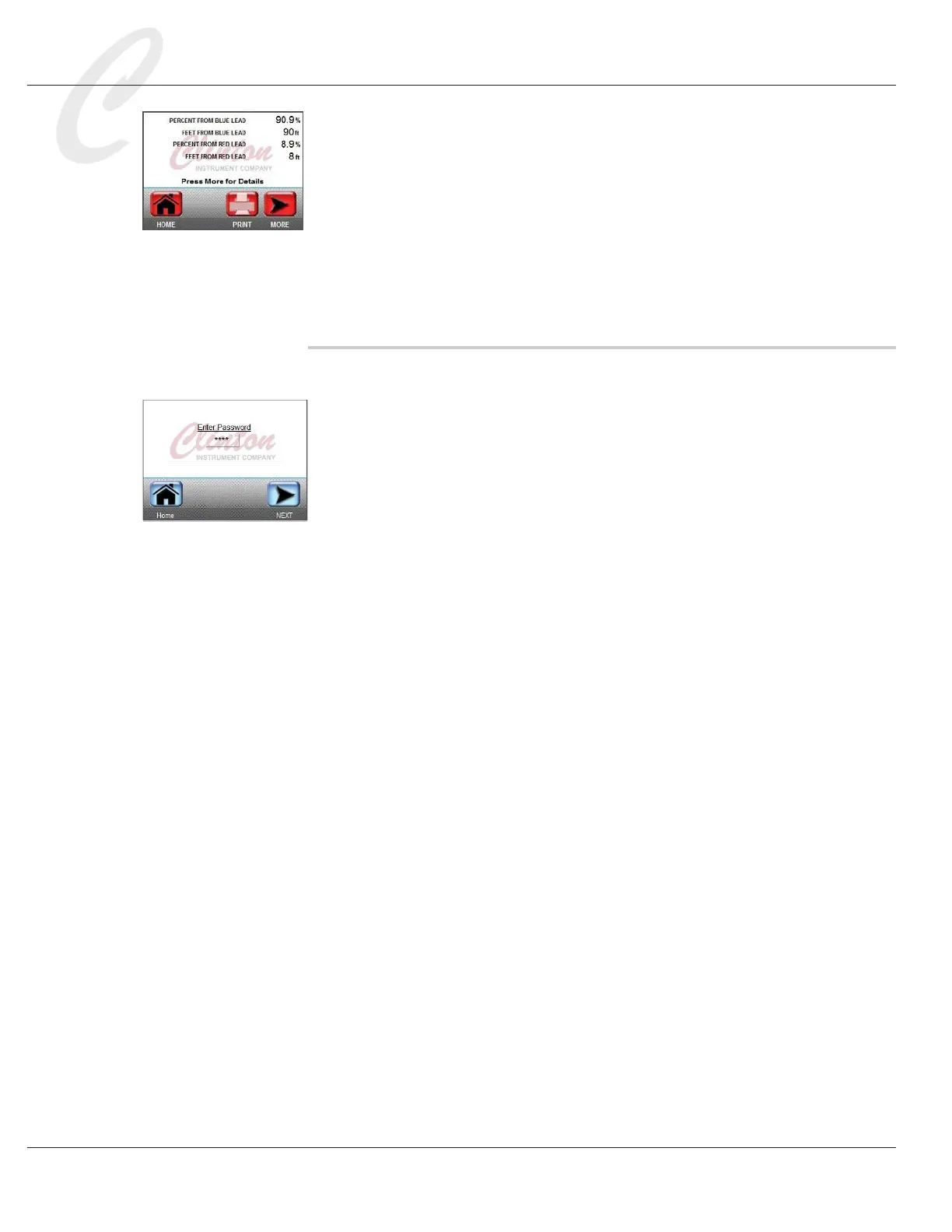
5. Printing occurs when the nal test page (results page) appears
on the FL-20A display screen, as shown in the picture to the left.
Password Protection
The FL-20A offers password protection that can prevent unauthorized
individuals from defeating safety features and changing voltage settings
and test parameters. Using password protection will make your work-
place safer.
After making necessary changes in the Settings menu, go to the Set
Admin Password setting. The default password is 1111. To change it,
press the displayed password to access a keypad. Enter a new 4-digit
password and press OK.
After entering a new password, go to the Lock Settings Menu function
and turn it ON. This will restrict unauthorized personnel from access-
ing the Settings menu. If the new password should be lost, contact the
factory.



 To Next Page