☆ Reader cable interface includes all signal cords in the interface definition table.
☆RS‐232 interface is used for short‐range communication ﴾less than 10m﴿, can be connected to a PC via DB9
connector for communication.
☆ R485 port is used for longer range serial port communications ﴾less than 80m﴿;
3.4 Installation
According to onsite situation, confirm the reader reading range, adjust antenna angle to ensure reading
delivers best performance.
3.5 Installation steps
3.5.1 Horizontal pole installation
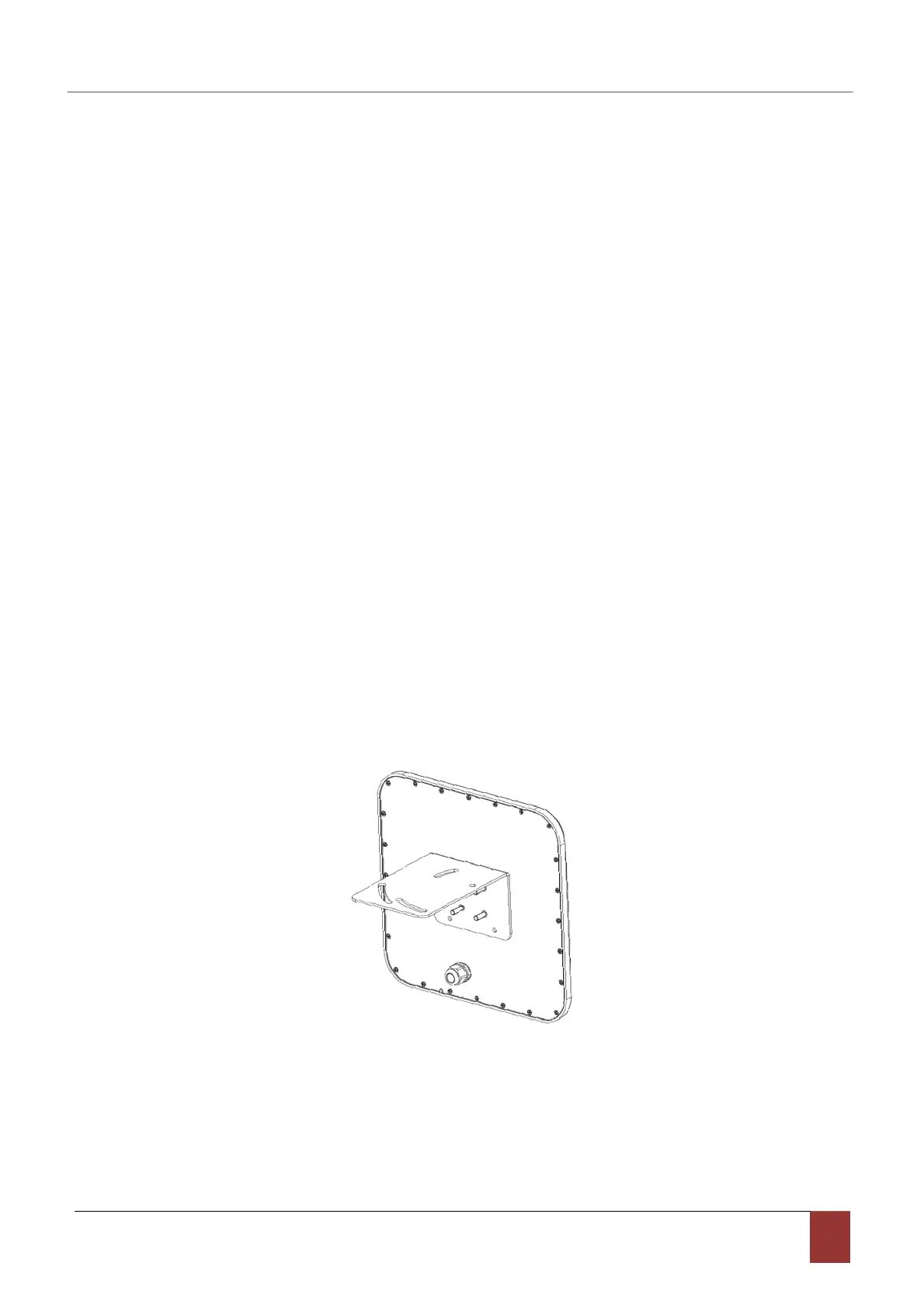
(1)Align the L‐shaped mounting bracket against the screw poles on bottom of reader housing, then install
the rubber and screw the M6 nuts, refer to pic 3‐1:
Pic 3‐1 L‐shaped mounting bracket installation
﴾2﴿ Using two U‐bolts and two toothed installation bracket to fix the reader on vertical rod through the
L‐bracket. As per illustrated in picture 3‐2.



 To Next Page