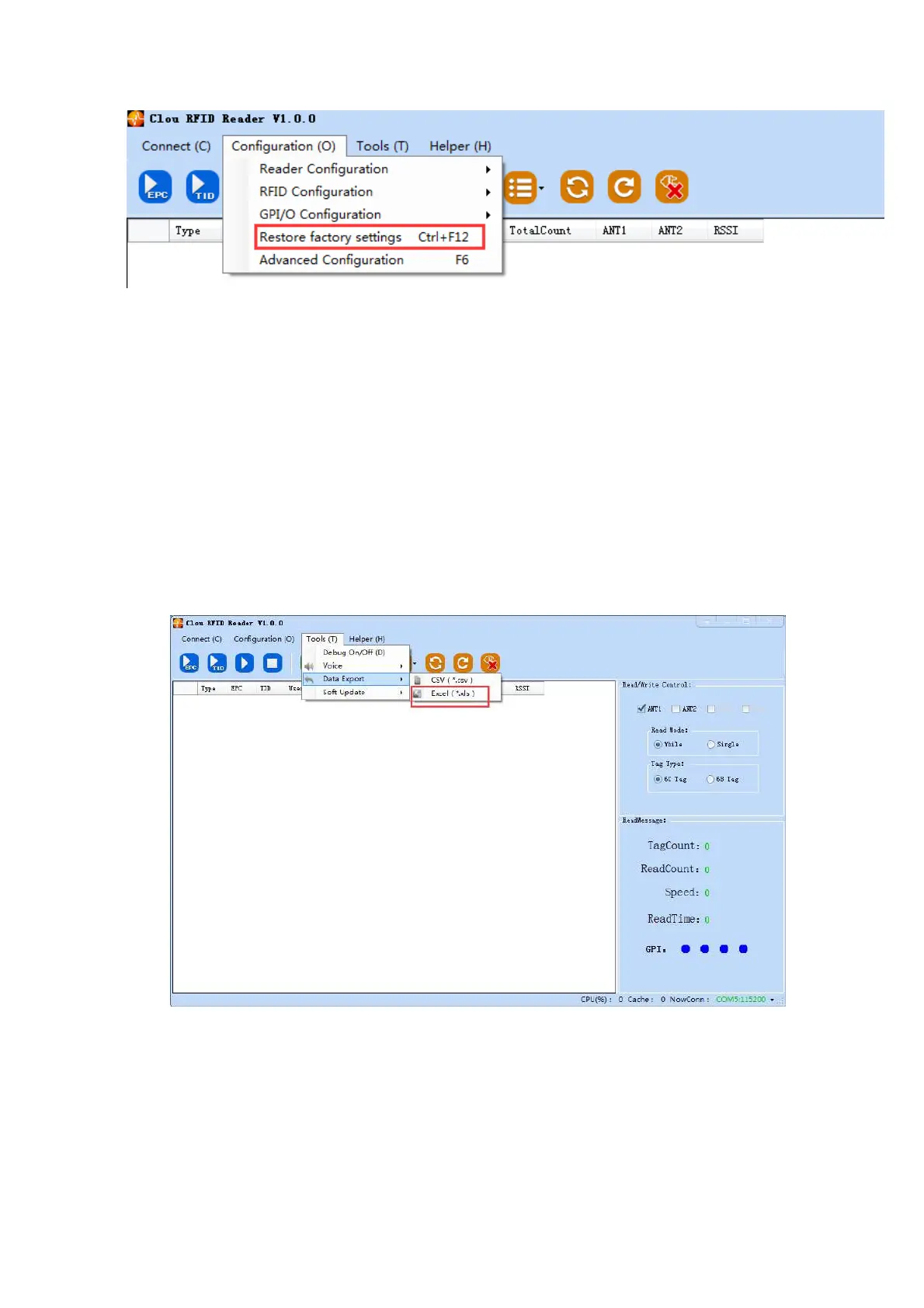
Picture 4‐17 restore ex‐factory setting
Whatever the reader is connected, when you click “restore ex‐factory setting” button, all settings will be
restored to ex‐factory setting.
4.4.11 Tool
Data export
In main UI, choose “tool” “data export”, the following dialog box pops up ﴾picture 4‐18﴿, choose the
format to be exported.
Picture 4‐18 Data export
All data tag can be exported at format .csv or xls.
Software upgrade
The reader supports online upgrade. Software upgrade support Baseband Software Upgrade &



 To Next Page