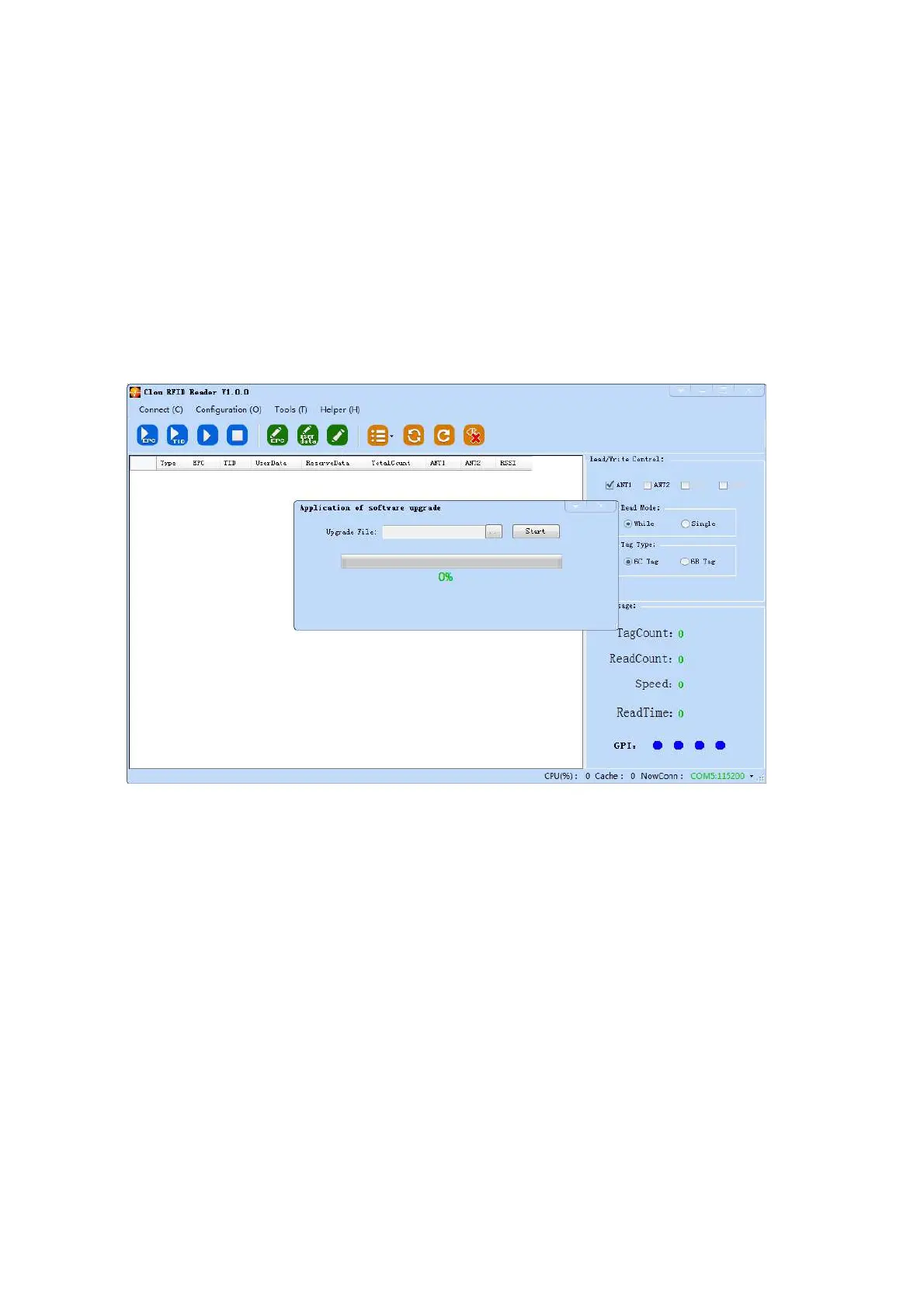
application software upgrade﴾system application software﴿. Choose “Tool” “software upgrade”
“application software”. Following dialog pops up ﴾picture 4‐19﴿.
The reader supports online upgrade. Software upgrade support Baseband Software Upgrade &
application software upgrade﴾system application software﴿. Choose “Tool” “software upgrade”
“application software”. Following dialog pops up ﴾picture 4‐20﴿.
Pic 4‐19 software upgrade
In the pull‐down list of “upgrade file”, find the route of .bin upgrade file, click “start upgrade”, when the
progress bar displays 100% finished, the upgrade is finished and successful. Following dialog pops up, click
“confirm” for restart and enable it .



 To Next Page