4.4 Test demo operations
4.4.1 How to connect the reader
All functions work only after a successful connection.
4.4.1.1 Serial port connection
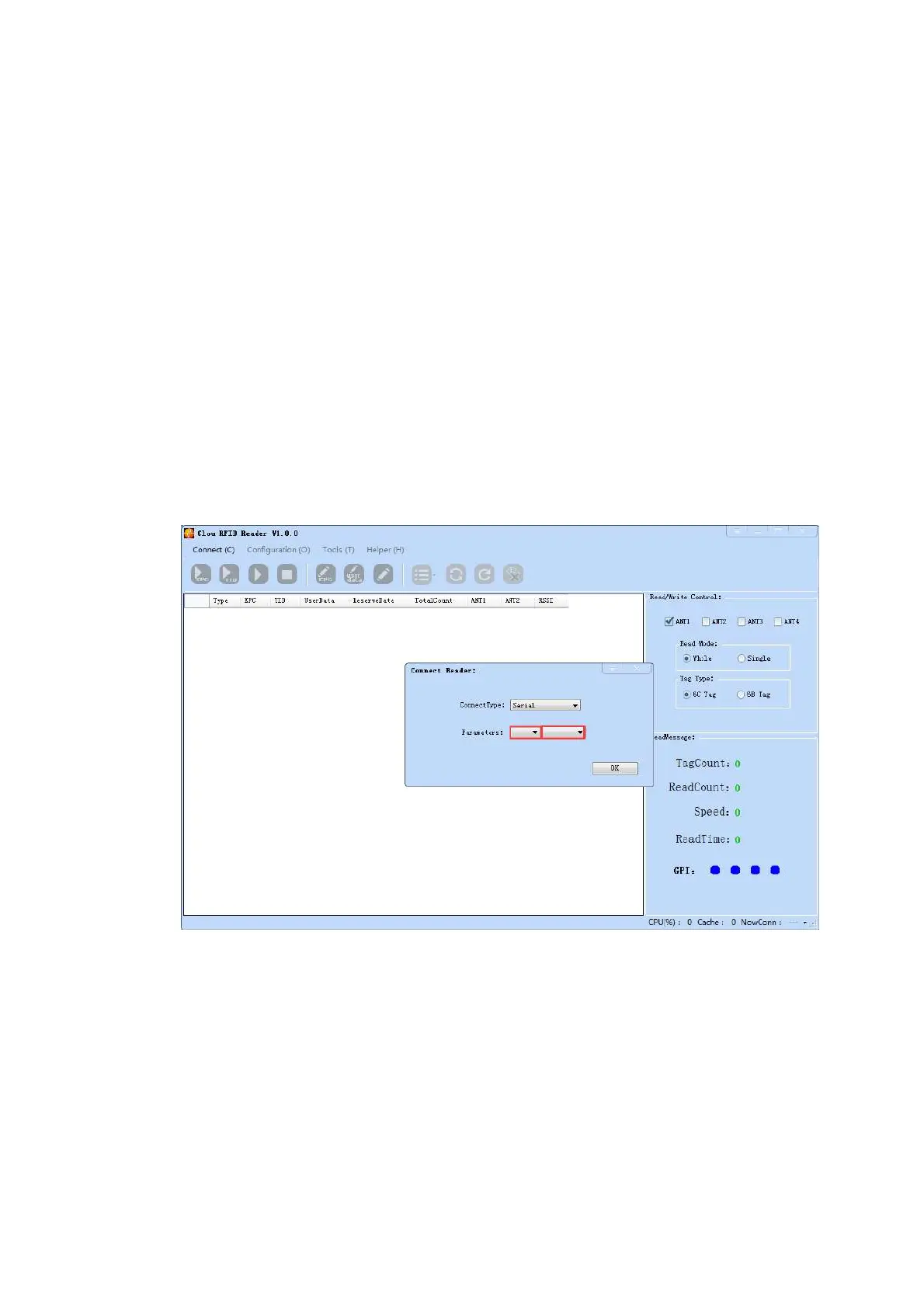
After the reader power supply cable & PC communication cable are connected well, open Demo software,
the icons on main UI are all in grey color, means reader is not connected. Select communication/connect
mode as“RS232 connect”, select parameter as “COM?”﴾“?” means COM No.﴿, communication port as “115200”
(default value), click “OK”. as in picture 4‐1.
Picture 4‐1 Serial port connection
When successfully connected, all icons are light, as per in picture 4‐1, means Serial port connection
success.



 To Next Page