CL7206C reader only support two way GPO output, that’s, “1” & “2”。
After high/low power level modification ﴾setting﴿ is finished, click “configuration” for setting operation.
4.4.9. Senior configurations
Wiegand configuration
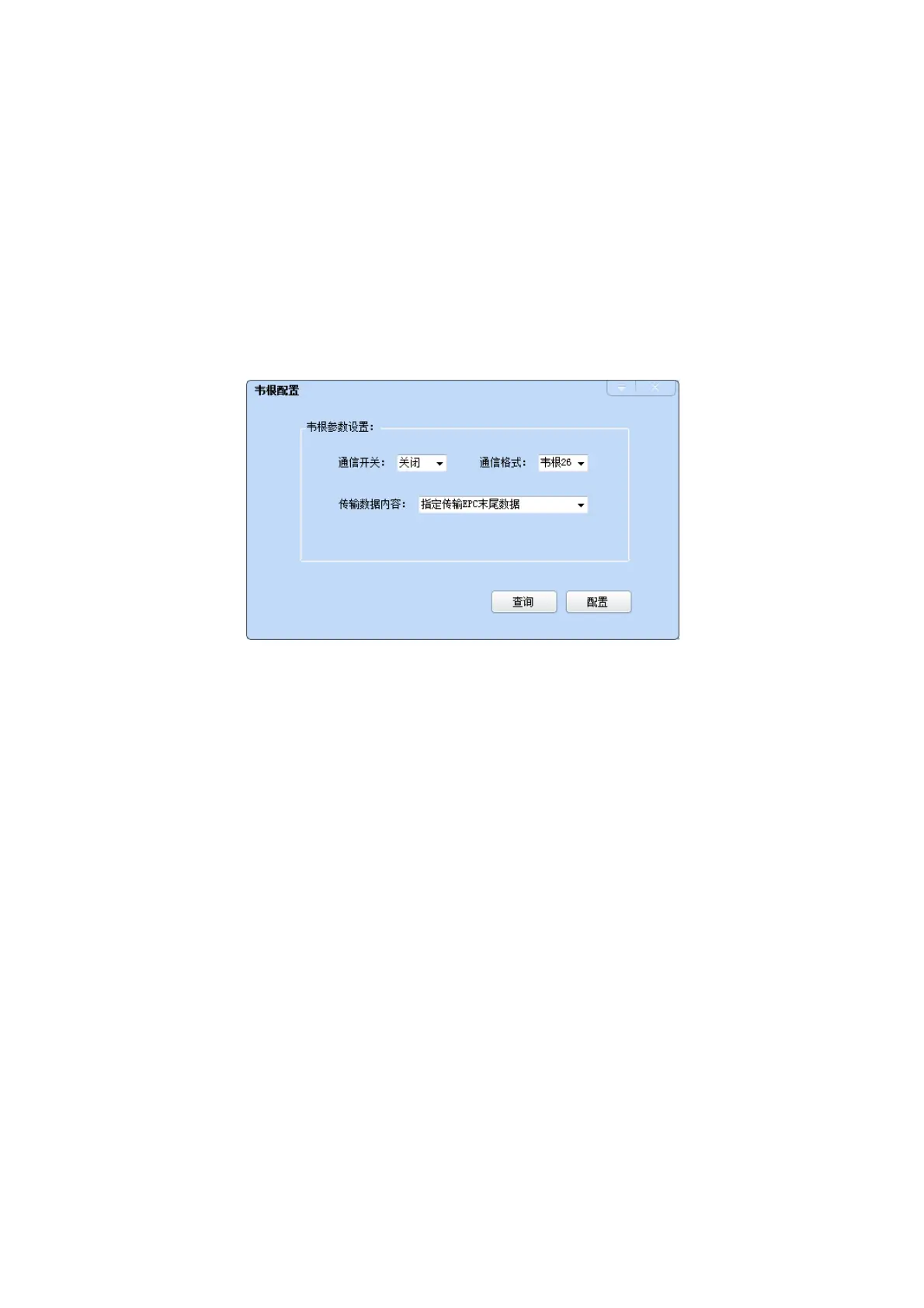
Choose “configuration” GPI/O configuration Wiegand, pop up dialog box as below:
Pic 4‐16 wiegand configuration
In the "Wiegand Parameter Settings" area, set the "communication switch" to "ON" state, and select the
"communication format" and "transmit data content", click "Configuration" OK.
Wiegand port parameters configuration: modes include "Wiegand 26", "Wiegand 34" and "Wiegand
66."
Wiegand 26: the EPC or TID data reported from Wiegand port is effective by the last three bytes
Wiegand 34: the EPC or TID data reported from Wiegand port is effective by the last four bytes
Wiegand 66: the EPC or TID data reported from Wiegand port is effective by the last eight bytes
Restore ex‐factory default setting
In main UI, choose “configuration” “restore ex‐factory setting”, pop up dialog box as per picture 4‐17.



 To Next Page