www.cmi-tech.com EF-45N User Manual, v0.1.1
Copyright 2016, all rights reserved July 2016
Both eye Select box for “both eye” Iris mode
Either eye Select box for “either eye” Iris mode
Start(+) button Switch to enroll process
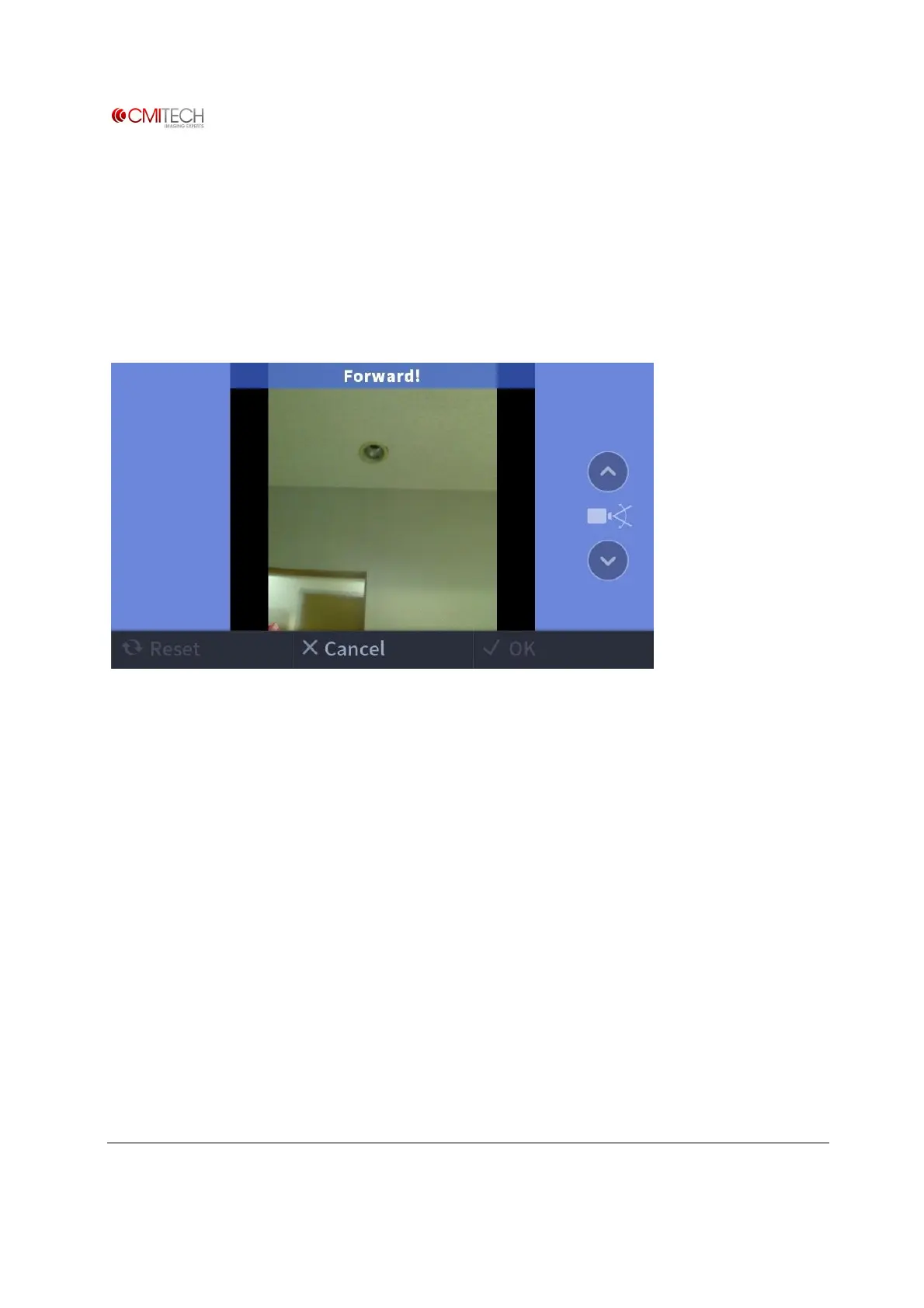
1.4.1 Iris & Face Process à Face Capture
※ Note: Only operational if “Combined Face and Iris” mode is active
Color Overlay BLUE means too far
GREEN means OK
RED means too close.
Up/Down Arrow Can tilt camera manually if necessary (note: to be eliminated)
Switch to Iris Capture stage after good face image acquisition


 To Next Page