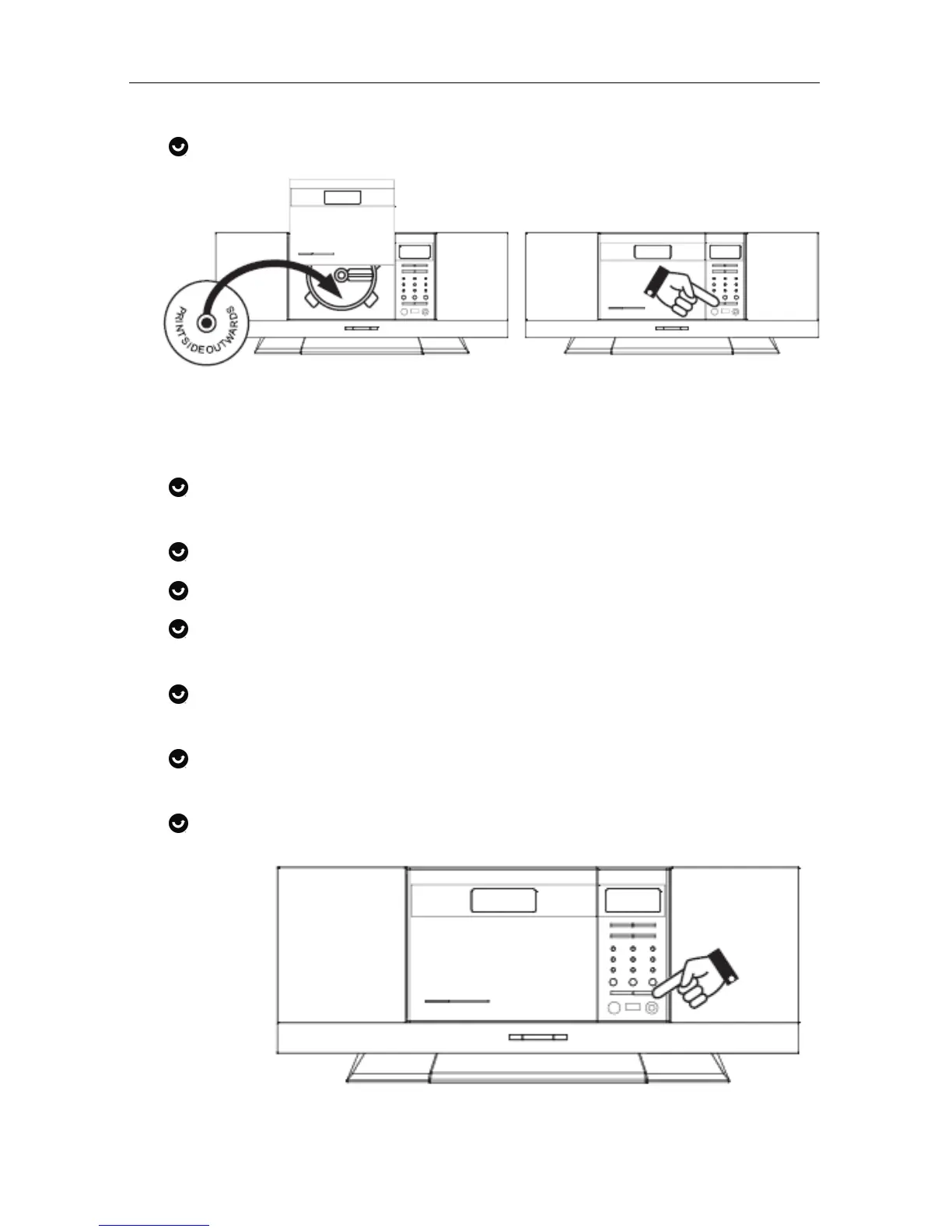
Quick Start
Version 1 cmx® DMS 7640 Seite 8 von 31
Adjust volume with “VOL+” or “VOL-“.
3.3. Listen to radio
Press “FUNCTION” key repeatedly until “TUNER” is
displayed.
Press “TUNER/BAND” key to switch between “FM” or “AM”.
Press & release “NEXT” tune radio frequency up (1-step).
Press & release “BACK” to tune radio frequency down (1-
step).
“Press & hold” “NEXT” for 2 seconds to scan up (to seek
next station).
“Press & hold” “BACK” for 2 seconds to scan down (to seek
prev. station).
Press “ON/OFF” key to switch “OFF” the unit (standby
mode)!



 To Next Page