If your ISP asks you to enter a specific MAC Address, please input the
correct info at the column.
Click on Apply Changes to save the setting data. Or you may click on
Reset to clear all the input data.
4.1.3 Dynamic DNS Setting
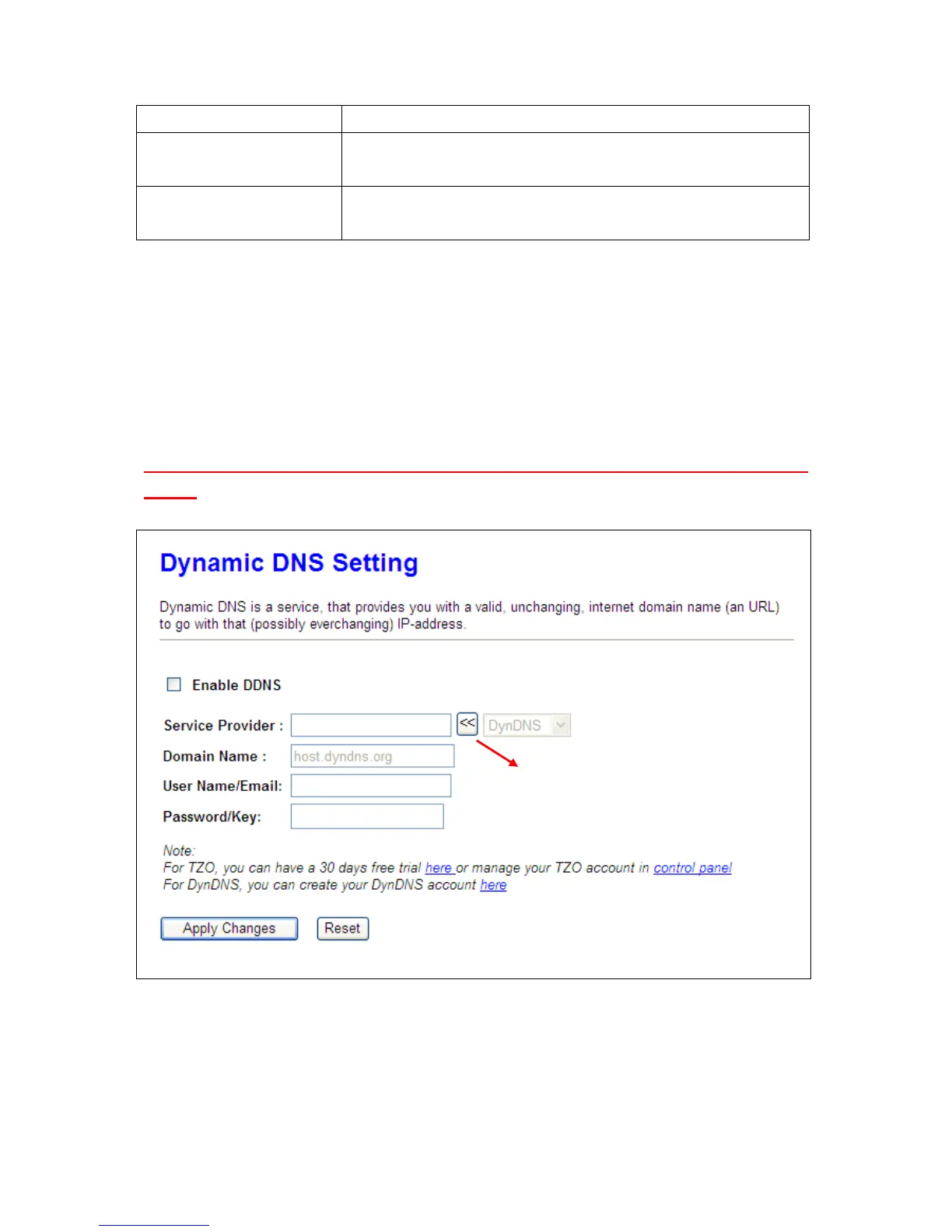
You can assign a fixed host and domain name to a dynamic Internet IP address. Each time the router
boots up, it will re-register its domain-name-to-IP-address mapping with the DDNS service provider.
This is the way Internet users can access the router through a domain name instead of its IP address.
Note: make sure that you have registered with a DDNS service provider before enabling this
feature.
Please enter Domain Name, User Name/Email, and Password/Key. After entering, click on Apply
Changes to save the setting, or you may click on Reset to clear all the input data.
Please select a DDNS Service
Provider



 To Next Page