On the other hand, users need to input the information of the wireless card into the register interface.
It might lead to the failure of connection, if users make mistakes on inputting. On PBC model, users
only need to click the WPS button on both sides to make a connection. It is easier to operate.
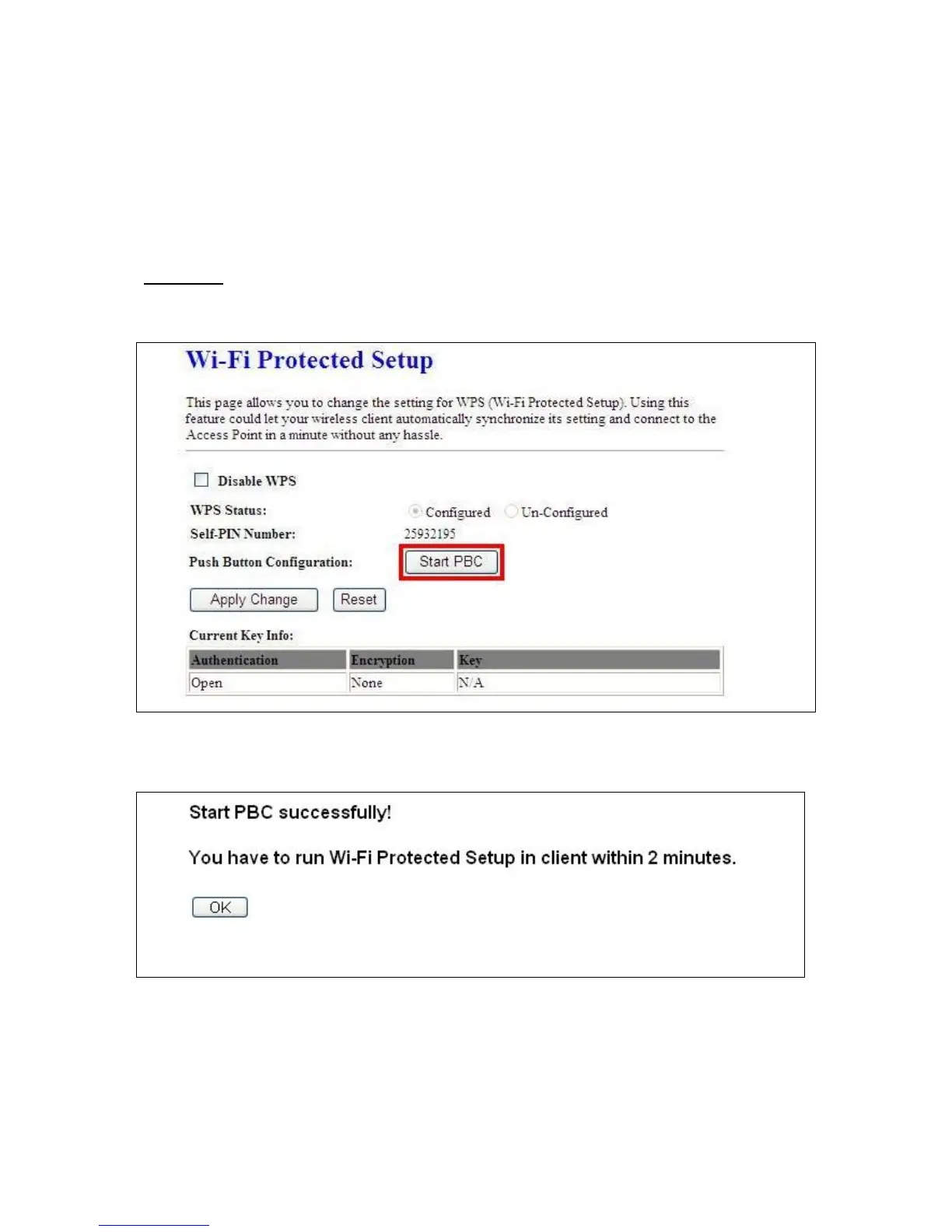
This page supports Start PBC and Start PIN; please read the following instructions
* Start PBC:
(1) Click Start PBC to connect to the wireless network card.
(3) Open the configuration page of the wireless card. Click the Wi-Fi Protect Setup, and then click
PBC to start the WPS process.



 To Next Page