7
5.2 SIM CARD Installations
5.2.1 Use a tweezers or a sharp thing to touch the SIM CARD popup switch, the
SIM CARD slot will pop up, take out the SIM card slot and put SIM card
in it. And then put the SIM card slot back to its original position after
confirm the SIM card in the right place.
5.2.2 Please make sure that the SIM card is able to execute the function of
incoming calls display, no calls can be diverted and the PIN code is
locked. The SMS format must be TXT format, and can’t recognize the
PDU format.
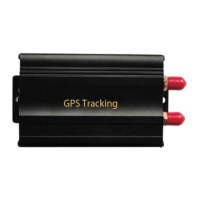
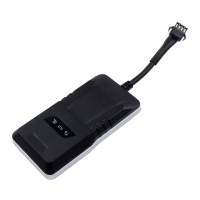
5.3 Turn on the Tracker Device.
Note: Turn on the ON/OFF button to ON place.
5.3.1 Connect the positive and negative wire, red and black ones, with 12V or
24V car power system, wait for 1 minute after connecting power to wait
tracker works normal.
5.3.2 Signal light status



 To Next Page