EasyManua.ls Logo

COBHAM SAILOR 6120 - User Manual

COBHAM SAILOR 6120
114 pages
Print Icon
To Next Page IconTo Next Page
Loading...
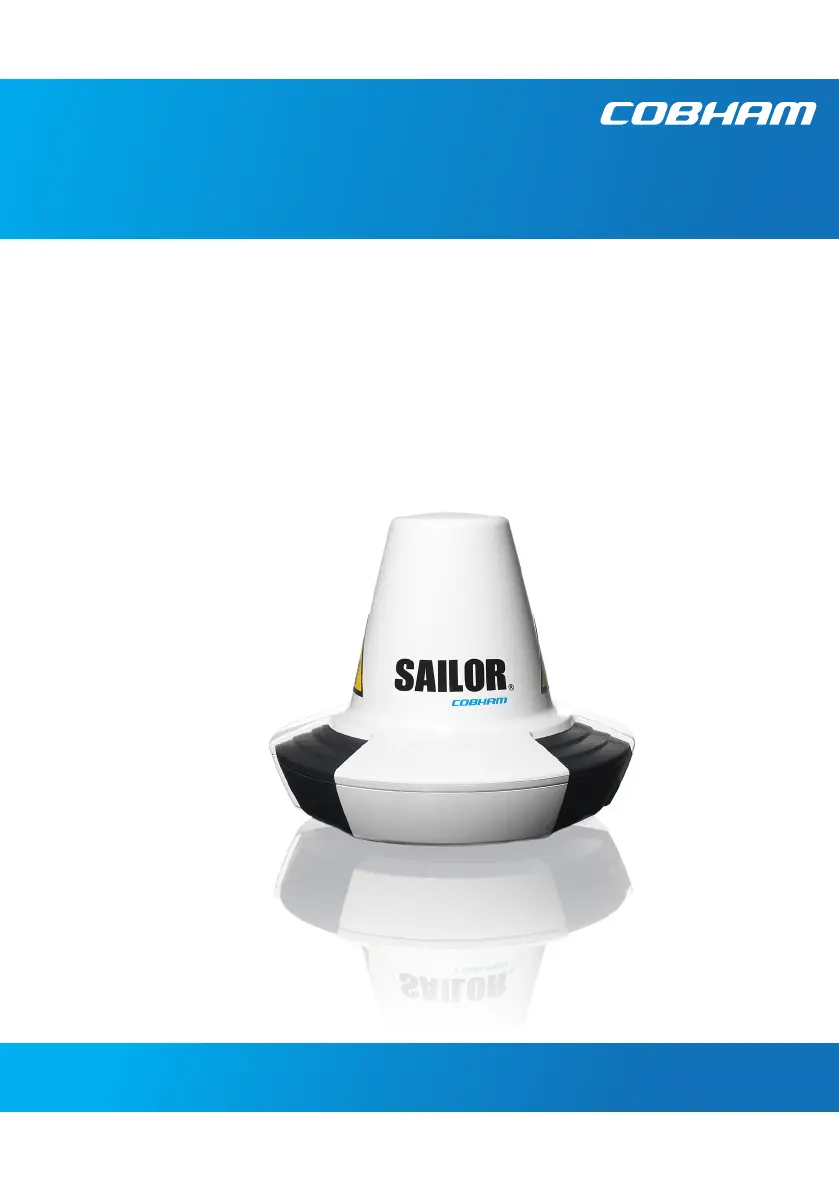
SAILOR 6120/30/40/50
User manual

Other manuals for COBHAM SAILOR 6120

Questions and Answers

  • J
    jamiejohnsonAug 3, 2025
    What to do if the COBHAM Antenna system cannot be switched on using SAILOR 6018?
    • J
      John MorganAug 3, 2025
      If your COBHAM Antenna system cannot be switched on using the SAILOR 6018, it might be because the SAILOR 6018 uses a remote on/off switch, which disables the power button. In this case, use the remote on/off switch. Alternatively, check that all power cables between the ship power source and the SAILOR 6018 are correctly connected and that the power source is on.
  • J
    Jeremy WilliamsAug 8, 2025
    Why don't the units in the mini-C system appear in the TMA (ThraneLINK Management Application) for COBHAM Antenna?
    • K
      kevin70Aug 9, 2025
      If the units in the mini-C system do not appear in the TMA (ThraneLINK Management Application), it may be because the computer running the TMA is set up with a fixed IP address that does not match the local network with the mini-C system units. To resolve this, enable DHCP on your computer. If a fixed IP address is necessary, ensure there is a DHCP server in the network, and your computer's IP address is within the DHCP server's range.
  • F
    Frank BanksAug 14, 2025
    What to do if the COBHAM Antenna SAILOR 6018 cannot switch off?
    • M
      mark78Aug 15, 2025
      If the SAILOR 6018 cannot switch off, it might be due to a software error. To resolve this, push and hold the Power button for 10 seconds, or reboot the system via the power cable.
  • J
    Jonathon QuinnAug 21, 2025
    How to fix no connection between SAILOR 6018 and SAILOR 3027 COBHAM Antenna?
    • W
      William RossAug 21, 2025
      If there is no connection between the SAILOR 6018 and SAILOR 3027, the CAN cables between them might be damaged or not properly connected. Ensure the CAN cables are properly connected and that the cables and connectors are not damaged.
  • D
    davidzimmermanAug 27, 2025
    What to do if there is no signal or weak signal from the satellite for COBHAM Antenna?
    • C
      Courtney PhelpsAug 27, 2025
      If you are getting no signal or a weak signal from the satellite on your COBHAM Antenna SAILOR 3027, it could be due to a blocked view or a hardware problem. Ensure the SAILOR 3027 has a clear view in all directions. If the view is not blocked, check the error log. If the problem persists, contact your local distributor.

Summary

Chapter 1 Introduction

Chapter 2 Get started

Registration

Explains the mandatory process for registering the SAILOR 3027 terminal.

Start up the system

Provides instructions on powering on and logging into the mini-C system.

Chapter 3 To use easyMail

Distress functions (only SAILOR 6150)

Details how to write and set up Distress priority messages and alerts.

Set up PC communication with the SAILOR 3027

Explains setting up LAN or RS-232 communication between PC and system.

Chapter 4 To use Distress and SSA buttons

To send a Distress Alert (SAILOR 6150 only)

Step-by-step guide on how to send a Distress Alert using the relevant system.

To send a Ship Security Alert (SAILOR 6120 only)

Instructions on sending a Ship Security Alert (SSA) using designated buttons.

Chapter 5 Service

Troubleshooting guide

Offers solutions for common problems, causes, and remedies for the system.

COBHAM SAILOR 6120 Specifications

General IconGeneral
VSWR1.5:1
Elevation+90°
Operational Temperature Range-25°C to +55°C
Wind Survival100 knots
PolarizationLinear (Horizontal/Vertical)
Azimuth0° to 360° continuous
Storage Temperature-40°C to +80°C (-40°F to +176°F)

Related product manuals