Chapter 4: Using the Terminal Control Unit
Status indicators 31
44444
Using the Terminal
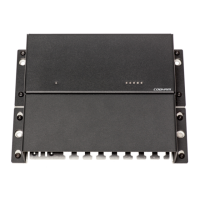
The drawing below shows the position of each light indicator.
1. Terminal Control Unit Power/sleep mode, a green indicator
2. Satellite status, a green/red/yellow indicator
3. Position signal, a green/red/yellow indicator
4. Program status in SAILOR 3027, a green/yellow indicator
5. Satellite terminal status, a green/red/yellow indicator
6. Terminal Control Unit status, a green/red/yellow indicator
The following sections show the function of each light indicator.
124635


 To Next Page