Chapter 4: Using the Terminal Control Unit
Use of SSA buttons 45
44444
Using the Terminal
Sending an SSA test message
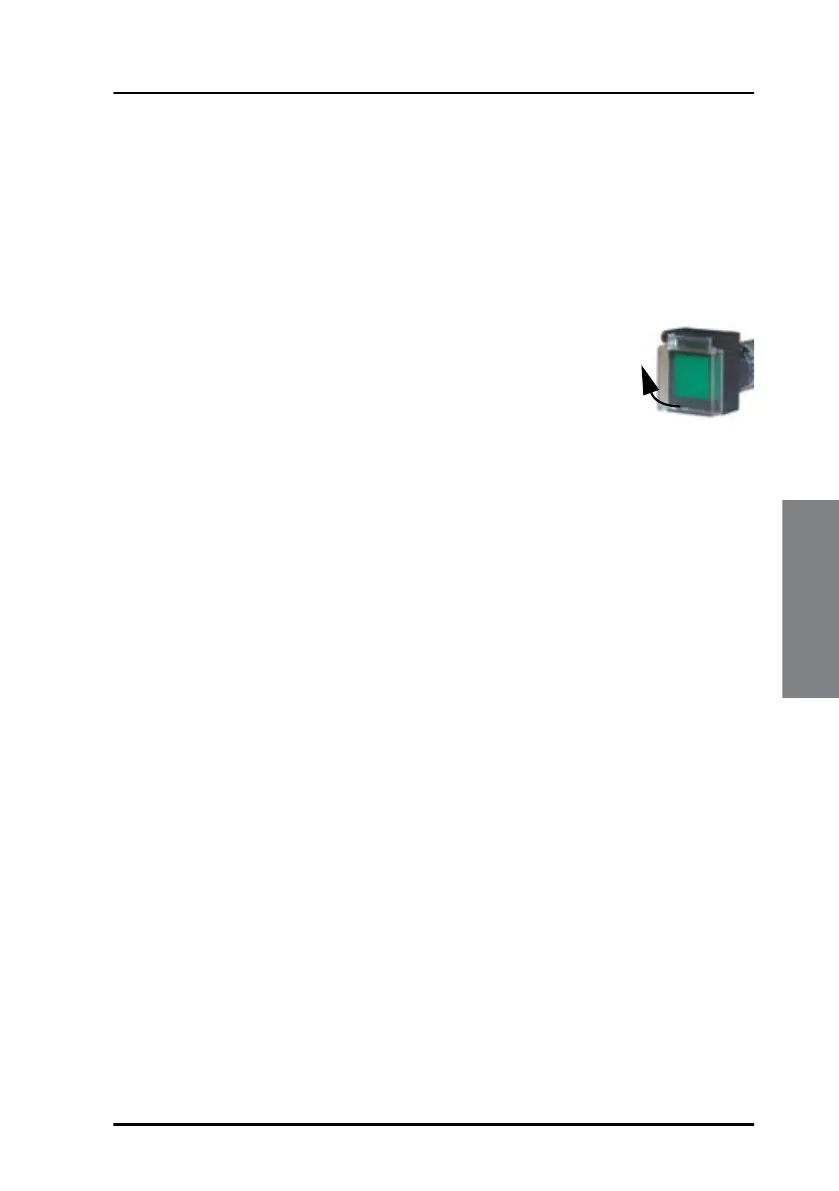
The SSA test button is green or yellow and should be placed close to the red
covert alert button. The test button is normally lit, but switches off when
pushed.
To send an SSA test message, do as follows:
1. Lift the cover for the green or yellow test button.
2. Push and hold the test button. The light in the test
button is turned off.
3. While holding in the test button, push one of the red
covert alert buttons.
• push for less than 30 seconds: The test button flashes to indicate
that it is operational.
• push for more than 30 seconds: An SSA test message is sent to the
message recipients configured during installation.
The message clearly shows that it is an SSA Test Message. The SSA Test
Message also includes a list of all recipients for SSA Messages.


 To Next Page