Chapter 6: Service
60 Updating software
Updating the Terminal Control Unit software
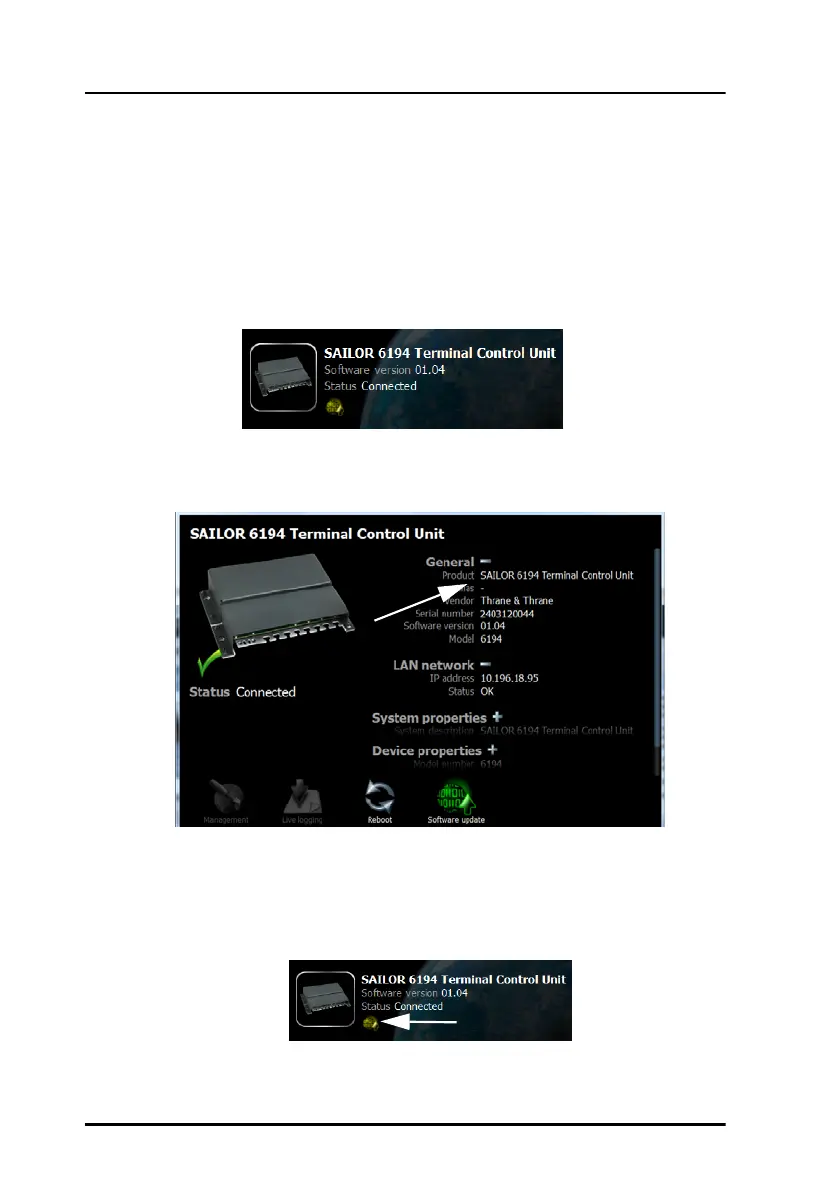
To update the Terminal Control Unit software, do as follows:
1. Start the TMA.
2. The TMA searches for units connected to the local network. All units
found are shown on the screen.
3. Click on the image of the Terminal Control Unit to select it and to check
the current software version. If there are more than one Terminal
Control Unit you can recognize your unit by the serial number.
4. Have the new software ready on the PC, for example on an USB
memory stick. The TMA will automatically find the new software. If new
software is available you can see a yellow circular image on the start
screen and on the Terminal Control Unit page at the bottom, where the
icon for software update flashes.


 To Next Page