Introduction
3
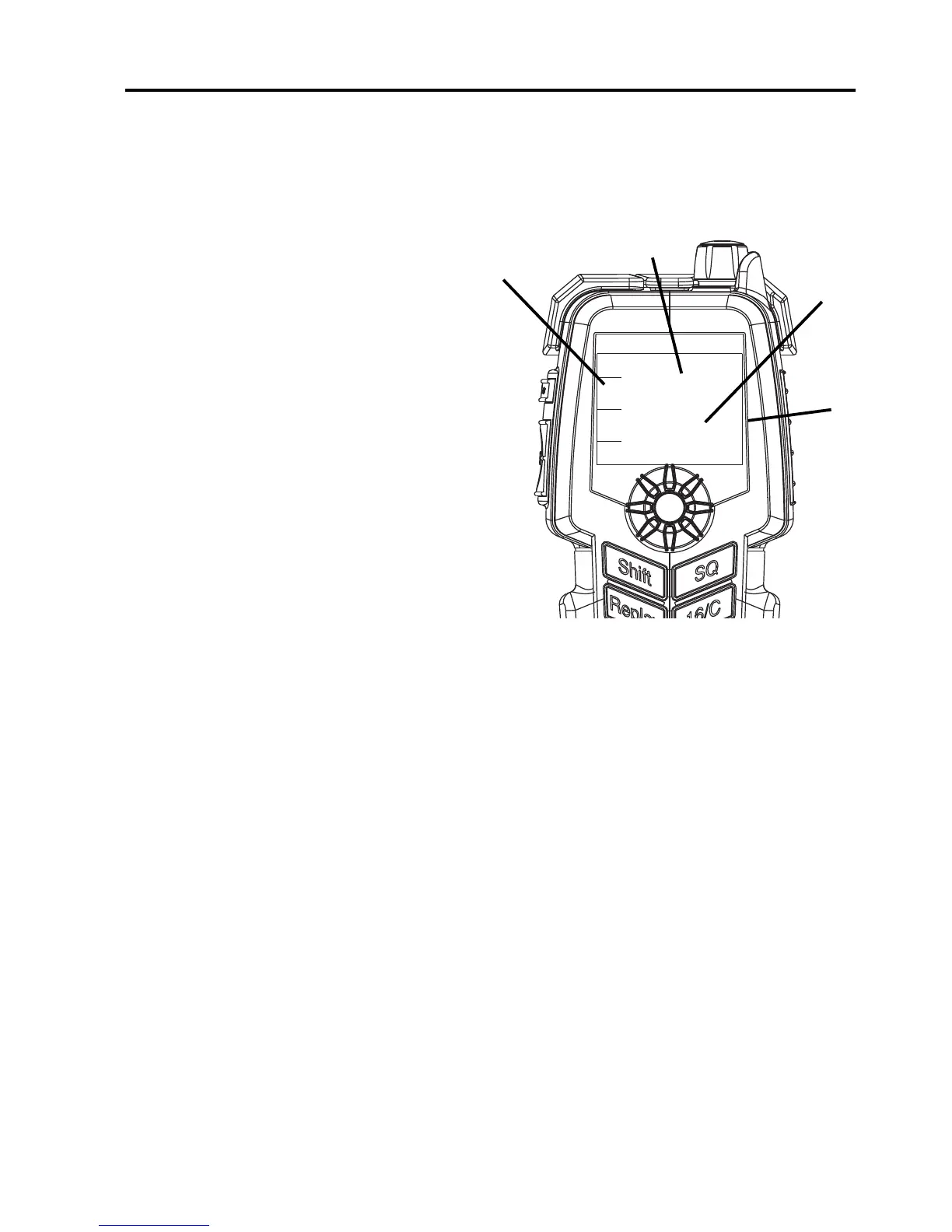
Display overview
The picture shows the display
after start-up. The display holds
various fields of information of
the VHF radio, depending on
the currently selected function.
1. Soft-key functions of the
radio.
2. Current working channel of
the radio.
3. Service line containing
temporary information
relevant for the current
channel or function.
4. Channel properties next to the currently selected VHF channel (if any)
and current state of the radio (RX or TX).
Only SAILOR 6205: The position and MMSI number for the connected
radio is shown in the DSC window (the lower half of the radio’s display)
in stand-by mode.
For a detailed description of each function available see the user manual
of the radio.


 To Next Page