Operation
6
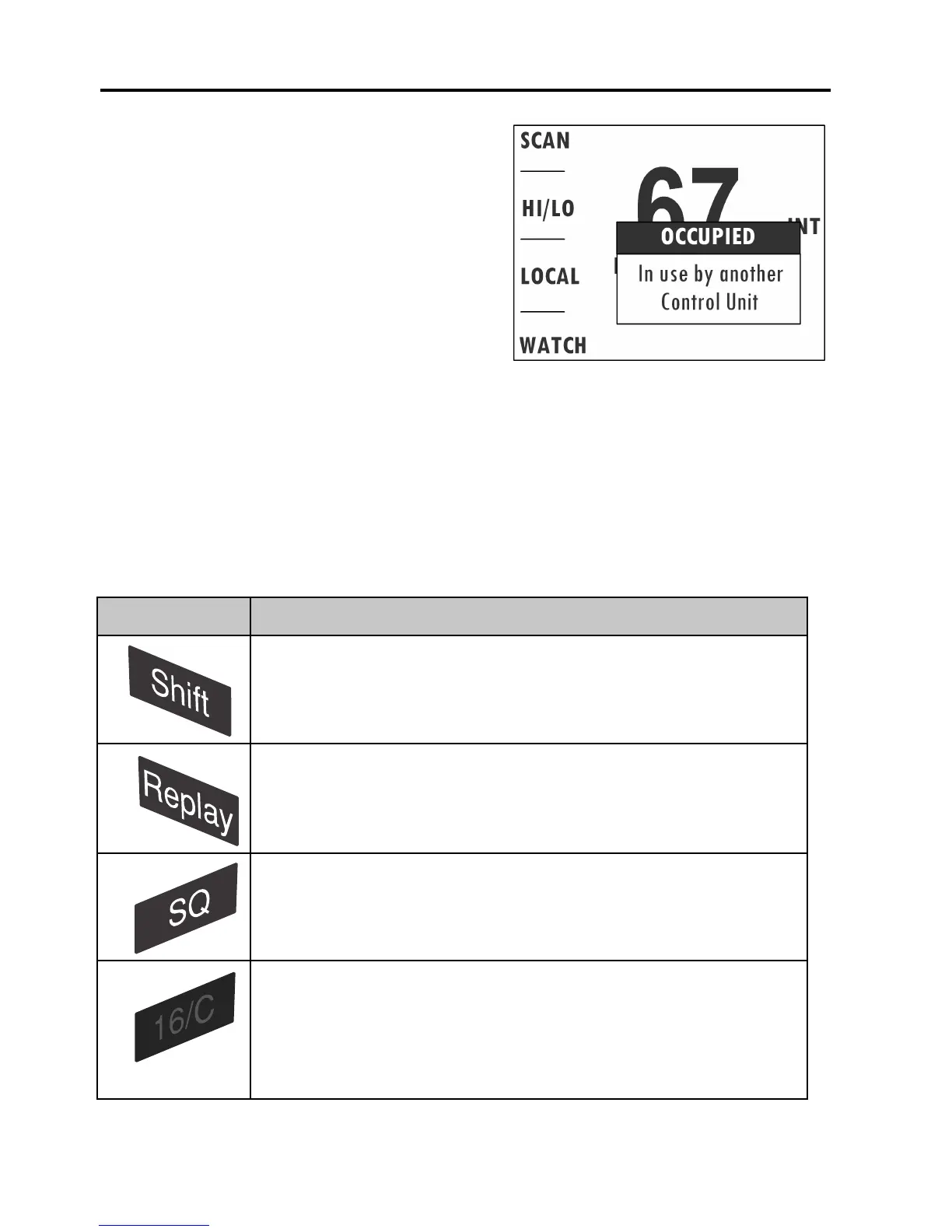
When operating the Control Speaker
Microphone, the radio is occupied.
When operating the radio, the Control
Speaker Microphone is occupied. On
the radio you can override the state of
being occupied by pressing any key or
lifting the handset.
Button functions
To dim the display backlight, make a short press on the Dim/lock button
on the left side of the Control Speaker Microphone.
To lock/unlock the keys, make a long press on the Dim/lock button on the
left side of the Control Speaker Microphone. To unlock the keys, repeat
the key press.
Button Function
To switch between channel and soft key selection.
To replay messages recorded by the radio.
To adjust squelch. Adjust the squelch level by turning
the selector wheel. Press the key SQ again or wait for
time-out to return to normal operation.
A single, short press on the 16/C key always
brings you to channel 16, the international calling and
Distress channel, no matter what state the Control
Speaker Microphone or the radio is in.


 To Next Page