Operation
7
Sending a Distress message (SAILOR 6205)
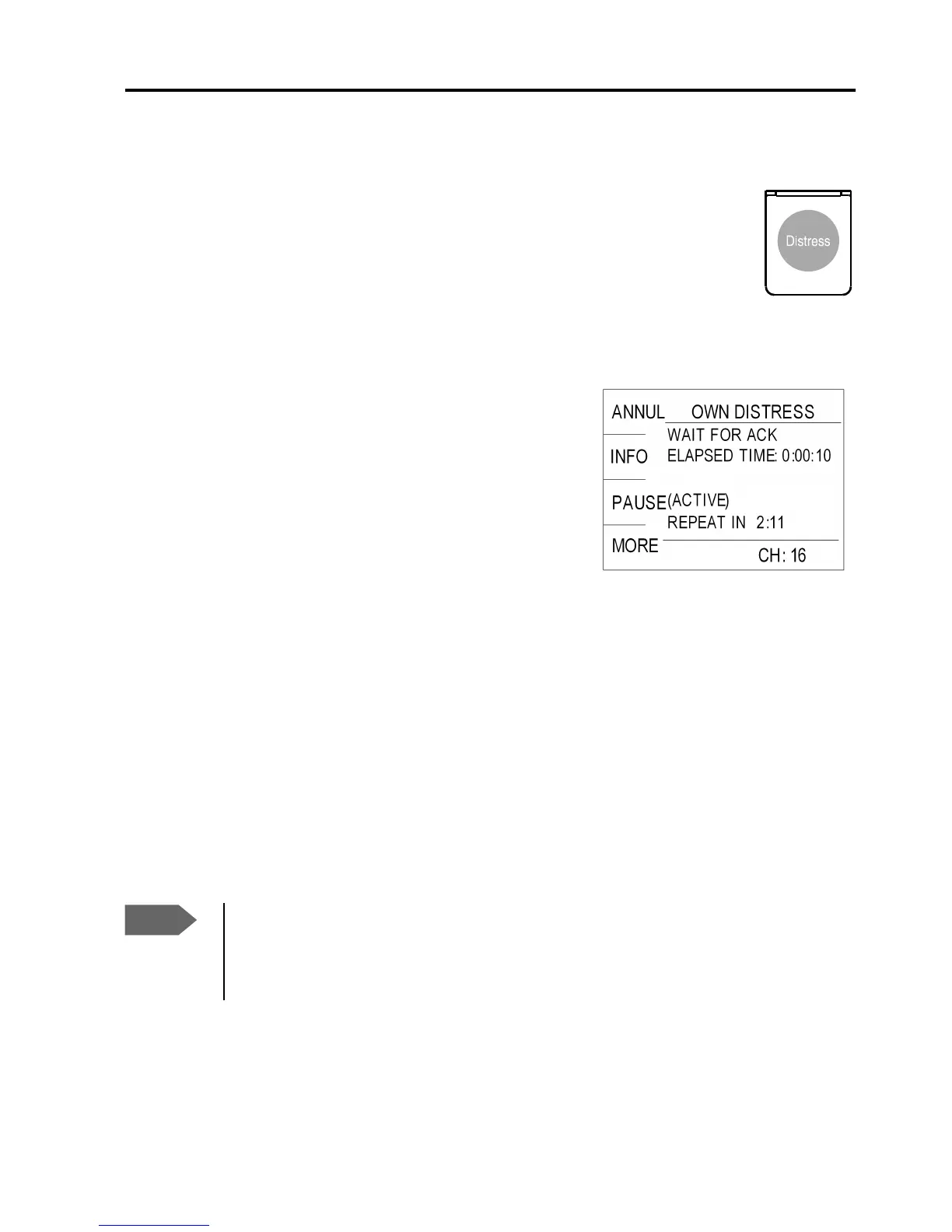
1. Lift the cover of the red Distress button at the rear of the
SAILOR 6205 and press and hold the distress button for
longer than 3 seconds. For short step-by-step
instructions how to proceed when sending a distress
message see Emergency call with Distress button for
SAILOR 6205 on page iv.
When the distress signal is sent, CH70
and Tx appear in the display. A two-
seconds steady tone is heard from the
radio.
2. The radio watches for a DSC
acknowledgement transmission on
channel 70.
3. To pause the automatic resend procedure press the shift key, turn the
selector wheel and press OK on PAUSE.
4. To annul the distress message press the soft key ANNUL. For further
details see the user manual of the connected radio.
5. When a distress acknowledgement is received, a pop-up window is
displayed. Start distress communication on channel 16 to inform
about your distress situation.
Note
If no distress acknowledgement is received within a period of
3,5 to 4,5 minutes, the distress message will automatically be
retransmitted.


 To Next Page