Introduction
Installation
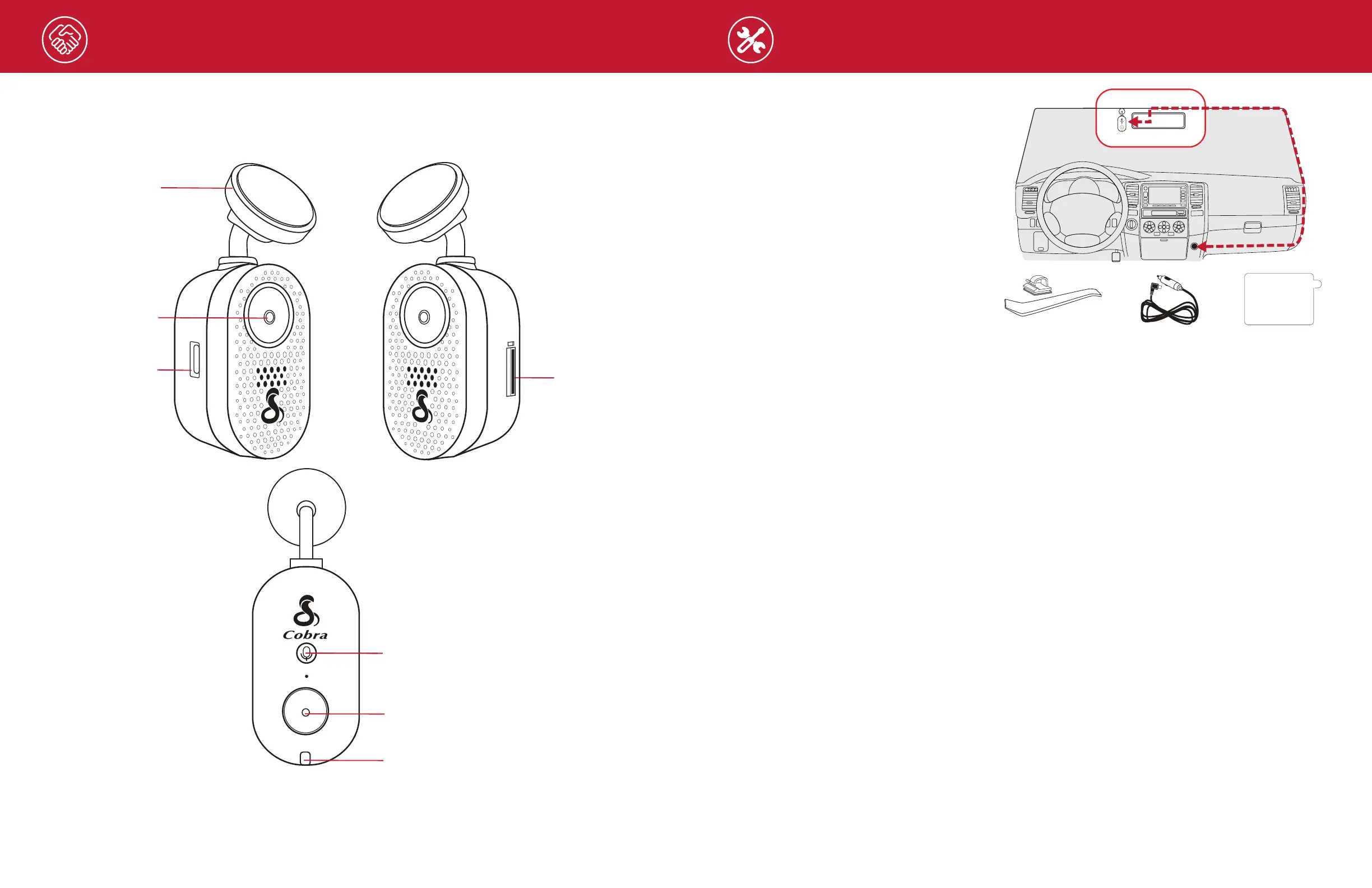
HARDWARE INTERFACE
5
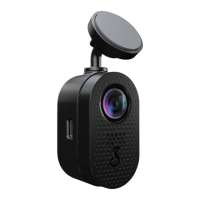
USB-C Power Input
SD Card Slot
LED Status Light
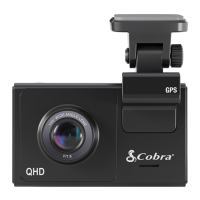
Camera Lens
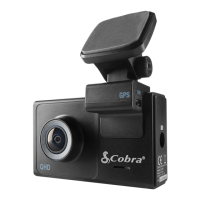
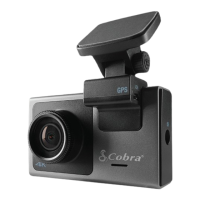
Windshield Mount
Action Button
Press: Lock Recording
Double Press: Trip Clips Recording
Hold 5 Sec: Format SD Card
Mic Button
Press: Audio Recording on/off
MOUNT
Find an area on your vehicle’s windshield
that is centrally located and close to the top
of the windshield. Make sure the mounting
area on the windshield is clean. The dash
cam should be mounted so the display is
easily visible to the driver.
(Optional: Place the included electrostatic
lm on the desired location for a semi-
permanent install).
Plug the power cable into the dash cam
and then route the power cable along the
headliner using the included tool and cable
routing clips as needed.
Vehicle Charger
6 Wire Clips &
Cable Routing Tool
Electrostatic Film
Temporary Install/
Electrostatic Film
PEEL TO
REMOVE
6


 To Next Page