EasyManua.ls Logo

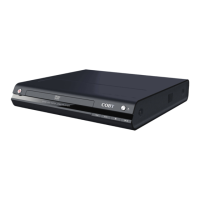
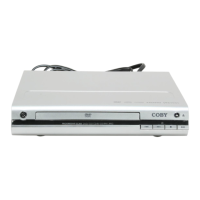
Coby DVD233 - GETTING STARTED; DVD-233 Front and Rear Panel

Coby DVD233
32 pages
Print Icon
To Next Page IconTo Next Page
To Previous Page IconTo Previous Page
Loading...
Page 10 Coby Electronics Corporation www.cobyusa.com Page 11
GETTING STARTED
2 3 6 7 8 9
4
5
1
11 12
14
15
13
10
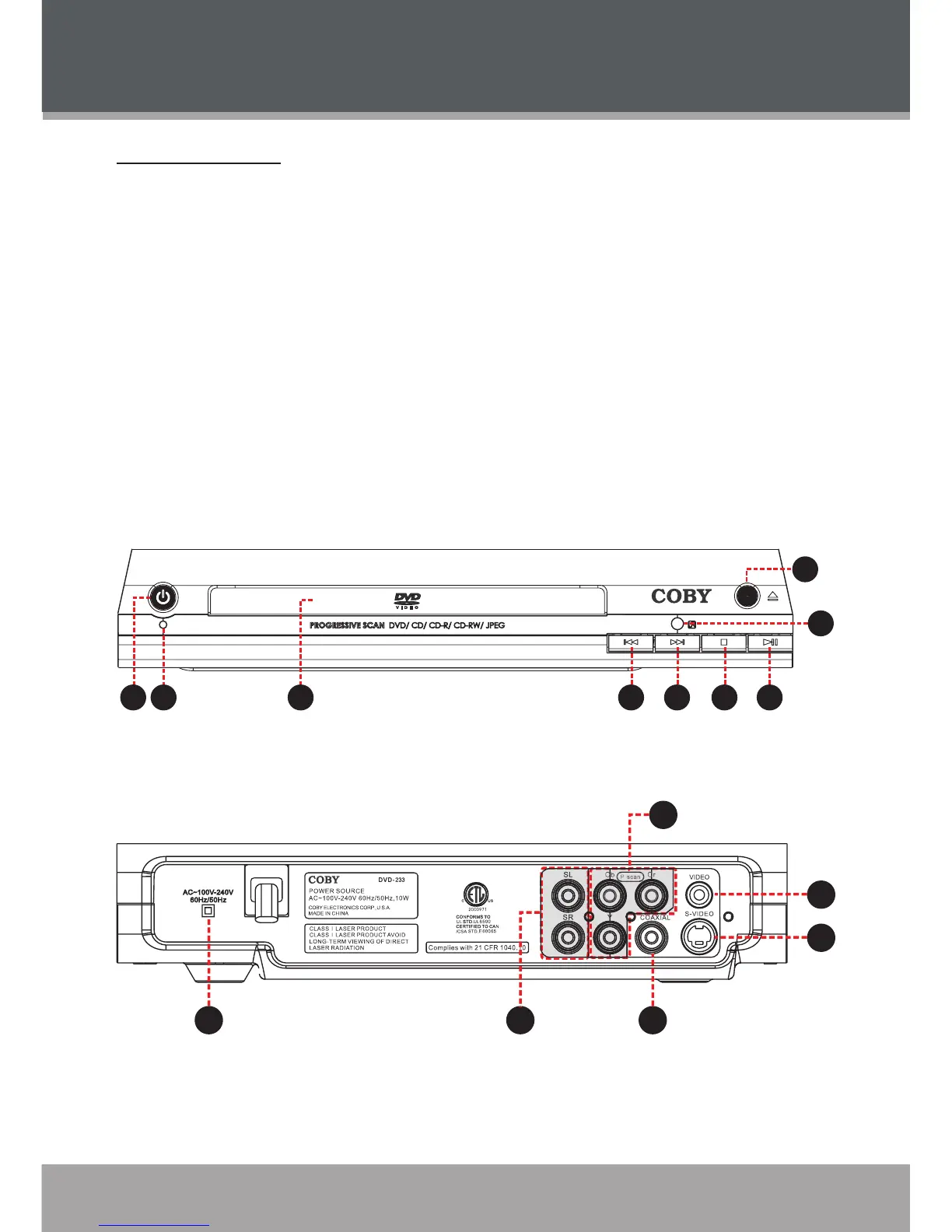
DVD-233 at a Glance
Front Panel
Power Button
Power Indicator
Disc Tray
Open/Close Button
Remote Sensor Button
Previous/Reverse Button
Next/Forward Button
Stop Button
Play/Pause Button
1.
2.
3.
4.
5.
6.
7.
8.
9.
Rear Panel
AC Power Cord
2.1-Channel Audio Out:
L (Left Channel)
R (Right Channel)
Coaxial Digital Audio Out
Component Video Out
(Progressive Scan - 480p)
Composite Video Out
(Interlaced - 480i)
S-Video Out
(Interlaced - 480i)
10.
11.
12.
13.
14.
15.

Related product manuals