www.cobyusa.com Page 11
Connections
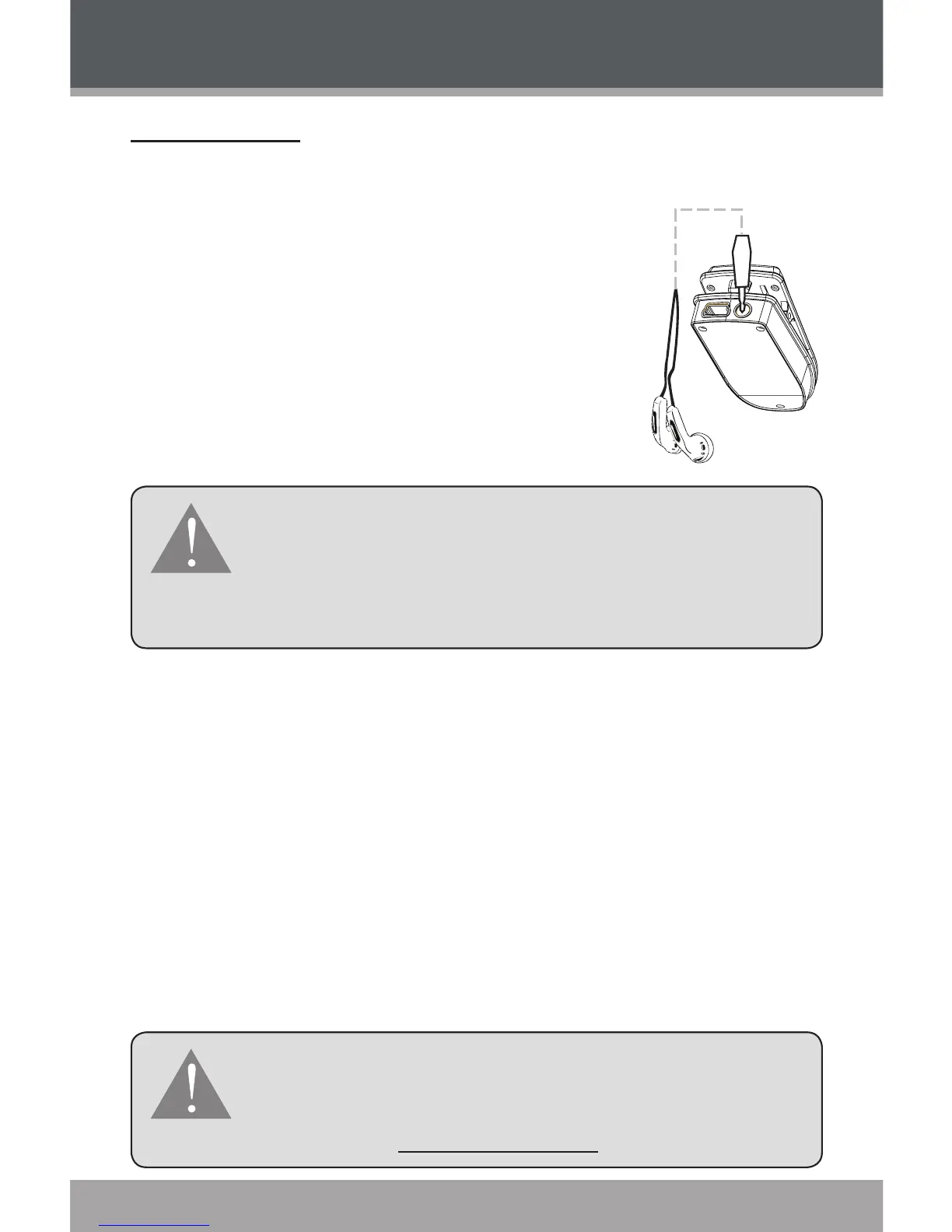
Connecting Headphones
Connect a pair of headphones or
earphones to the Headphone Out jack for
private listening.
Lower the volume level before con-
necting headphones, then gradually
increase the volume for comfortable
listening.
Hearing experts advise against the constant use of
personal stereos played at high volume. Constant
high-volume use can lead to hearing loss. If you
experience ringing in your ears or hearing loss, dis-
continue use immediately and seek medical advice.
Connecting to a Computer
Connect the player to a computer to:
Transfer MP3 and WMA music les to and from your
player
Manage the les on your player.
Computers running Microsoft Windows ME/2000/XP
or newer, or Macintosh OS X will recognize your player
automatically when connected.
If you are using Windows 98 SE, you may need
to install a USB driver on your computer. Please
download and install the driver from the COBY
website at: www.cobyusa.com.
GETTING STARTED



 To Next Page