SETUP MODE
Enter Setup mode to set the system options of your player. To enter SETUP mode, select and conrm
SETUP in the Main menu.
Upon entering Setup mode, you will have the following options: Sound, Display, General, Timer,
Record, and Information.
Sound
Select and conrm SOUND in the Setup Mode menu to set options relating to the way audio is
processed by your player. The Sound options are: User EQ and Balance.
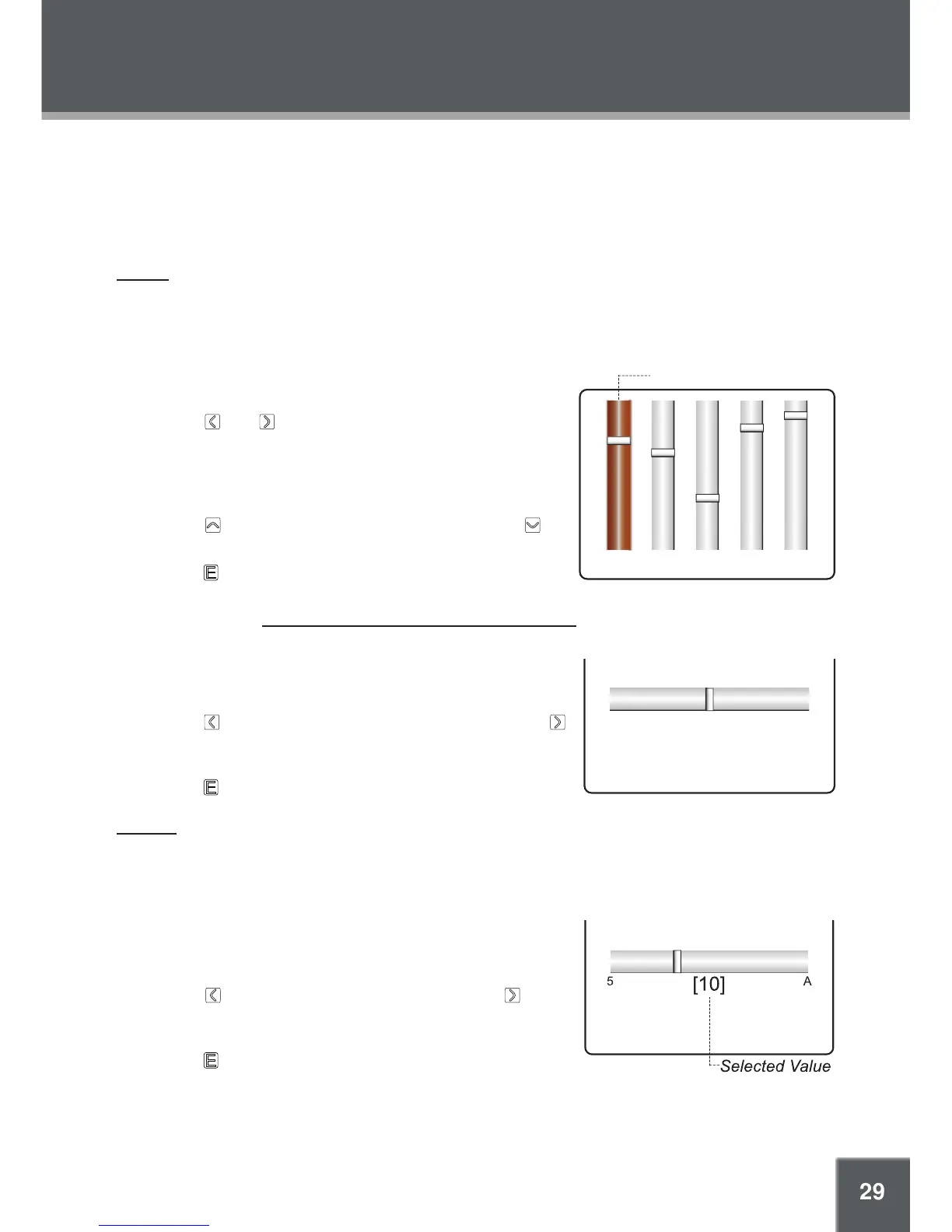
User EQ
Set your custom, user-dened equalizer setting.
Touch and to select a band to adjust. Select the
bands to the left to adjust low (bass) frequencies; select
the bands in the middle to adjust mid-frequencies; and
select the bands to the right to adjust high frequencies
(treble).
Touch to raise the selected band level; touch to
lower the selected band level.
Touch when you are nished to save.
Once this has been set up, you can access this digital equalizer preset through the equalizer menu
(please refer to the Music Mode > Advanced Functions: Music section for details).
Balance
Set the left-channel and right-channel levels.
Touch to increase the left-channel level (L); touch
to increase the right-channel level (R). The center-posi-
tion (C) will result in a balanced left/right stereo mix.
Touch when you are nished to save.
Display
Select and conrm DISPLAY in the Setup Mode menu to set options relating to your player’s dis-
play. The Display options are: Backlight Time, Brightness, Language, and Lyric.
Backlight Time
Set the duration of time (in seconds) that the LCD backlight
remains on after a key-press.
Touch to decrease the time interval; touch to in-
crease the time interval. A setting of “A” (always) will
keep the backlight on at all times.
Touch when you are nished to save.
1.
2.
3.
1.
2.
1.
2.



 To Next Page