Transferring Files to the Player
When the “Safe to Remove Hardware” window 3.
appears, click the OK button and disconnect the USB
cable from the player and your computer.
Macintosh OS X
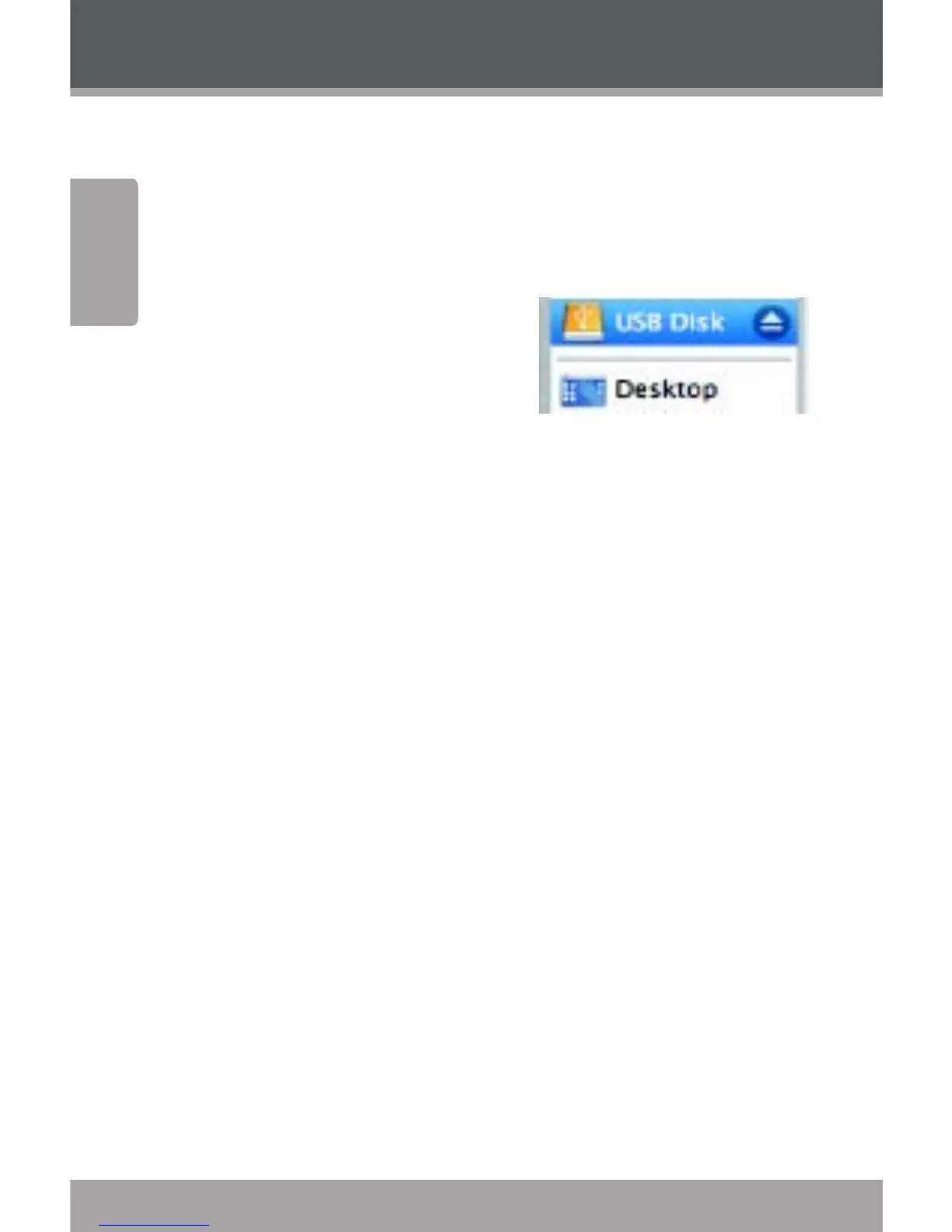
On the left side of the 1.
Finder Window, identify
the appropriate Removable
Disk icon.
Click on the “Eject” arrow on 2.
the right of the Removable Disk icon.
Disconnect the USB cable from the player and your 3.
computer.


 To Next Page