EasyManua.ls Logo

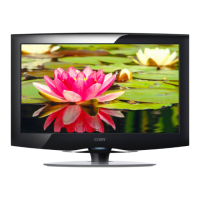
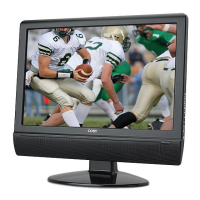
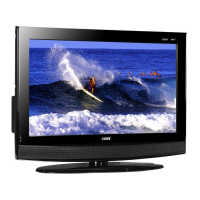
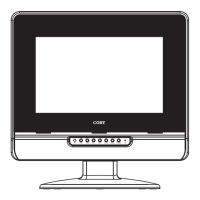
Coby TFTV1525 - Unit View; Wall Mounting

Coby TFTV1525
21 pages
Print Icon
To Next Page IconTo Next Page
To Previous Page IconTo Previous Page
Loading...
3
4
5
6
7
8
21 3
4
5
6
7
8
Screw x 2
Unit Stand
< >
< >
75mm
75mm
9
10
11
12
13
14
15
>
16
Wall Mounting - Attach the TV case to the wall
Releasescrewsandtakeaparttheunitcaseandtheunitstand.
UsetheVESAstandardmountingstoxtheunitonthewall.Takecarewhenmounting,itmaycause
damageorseriousinjuryshoulditfallfromitsmountings.SeetheSpecificationpageforVESA
informaiton.
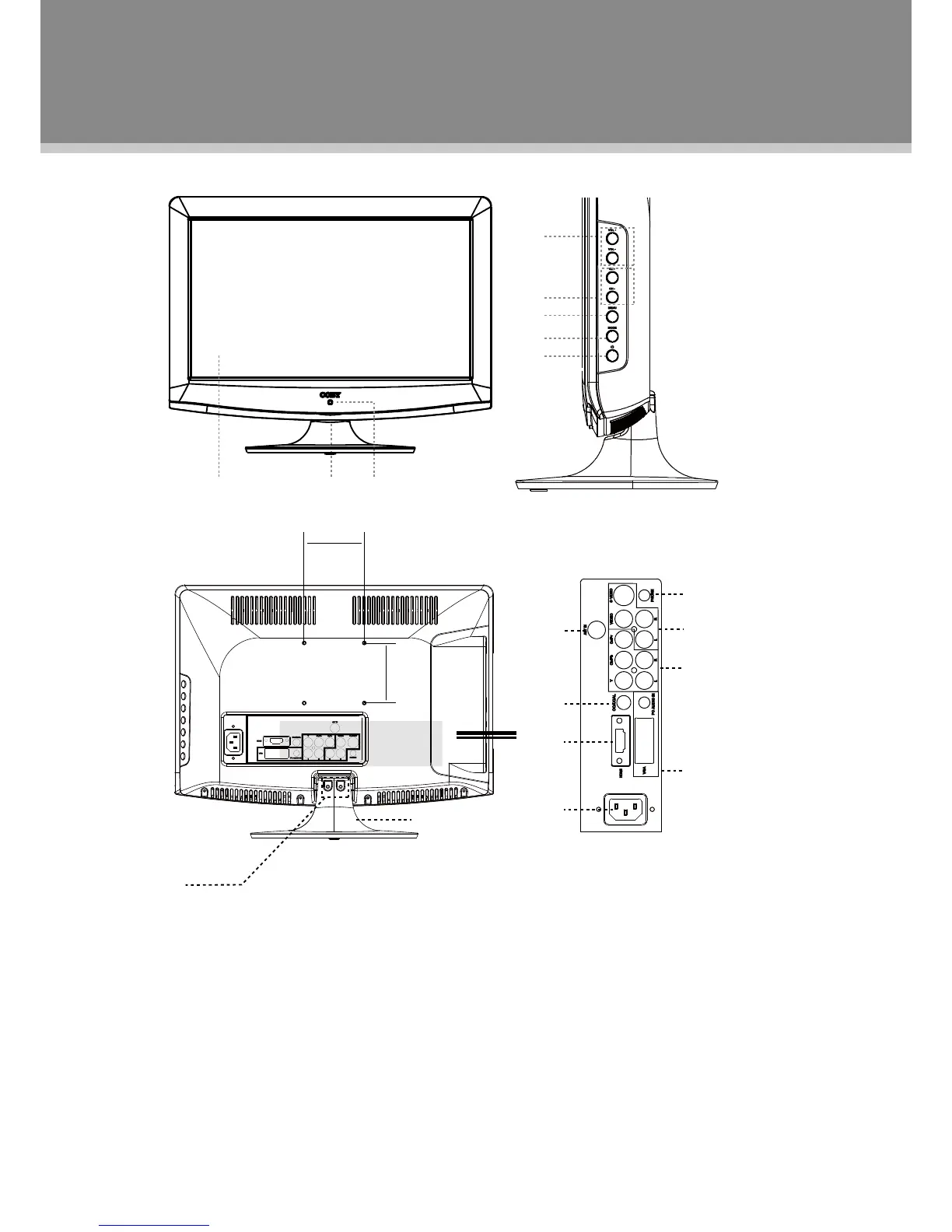
1.TFTSCREEN
2.POWERINDICATOR
3.REMOTESENSOR
4.VOLUME-/+
5.CH-/+
6.MENU
7.MODE
8.POWER
9.ANTENNAJACK
10.COAXIAL
11.HDMI
12.HEADPHONE
OUTPUT
13.VIDEO/S-VIDEOINPUT
14.COMPONENTINPUT
15.VGAINPUT
16.POWERJACK
Unit View

Related product manuals