22
Item Function
Copy
Prepare to copy the selected le.
After selecting a le to copy, navigate to the target folder.
Press to access the context menu and select PASTE to
complete the copy function.
Move
Prepare to move the selected le
After selecting a le to move, navigate to the target folder.
Press to access the context menu and select PASTE to
complete the move function.
Paste
Complete copying or moving a le (only available during copy or move
operations -- see “Copy” and “Move” above).
Delete Delete the selected le
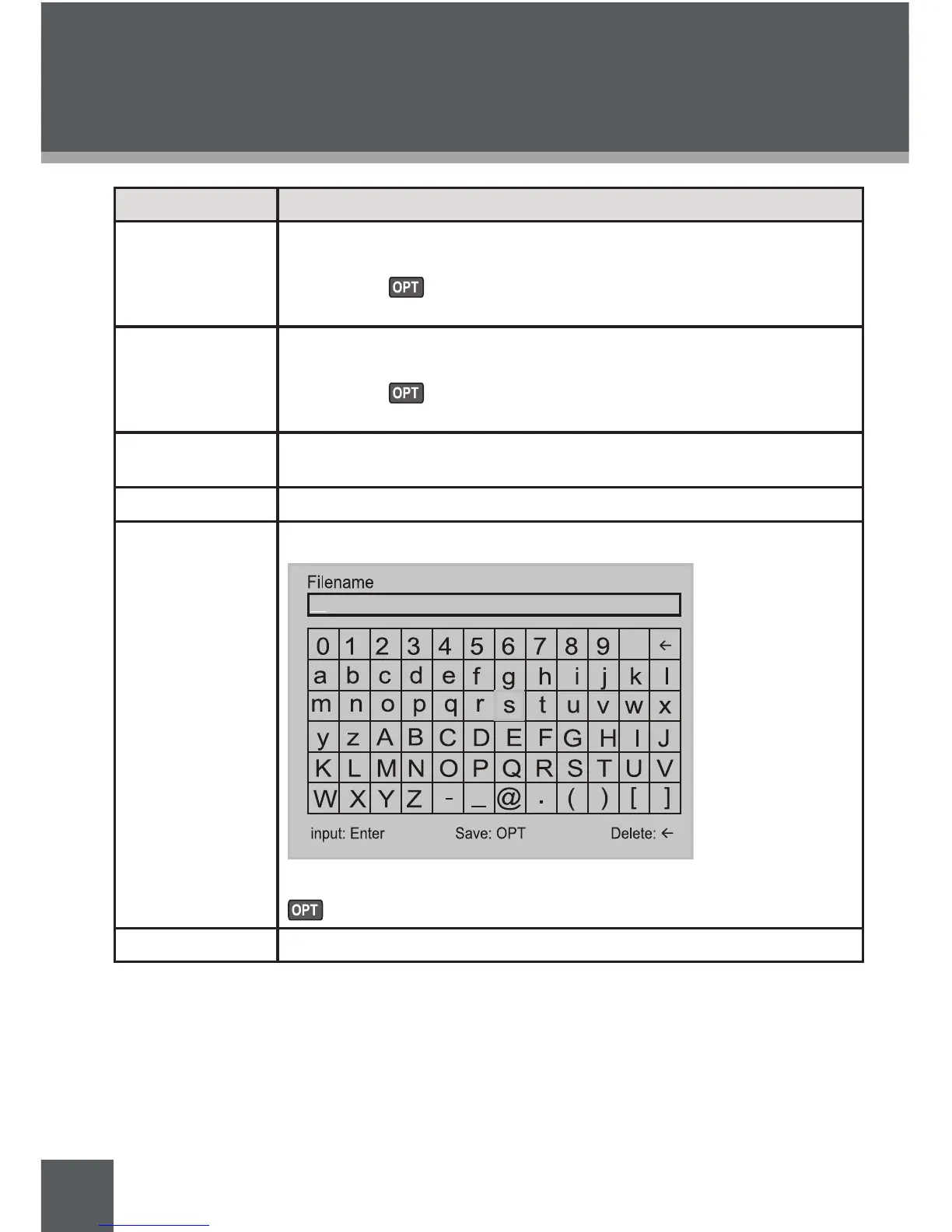
Rename
Rename the selected le. A text input screen will appear:
Use the navigation joystick to input the name of the new folder. Press
to save the new folder when you are done.
Information Display le information details
GETTING STARTED



 To Next Page