30
Reading EBooks
To read E-Book text les on your player:
Select and conrm EBOOK from the Main Menu Desktop.
Select and conrm a text le from the File Browser to start reading.
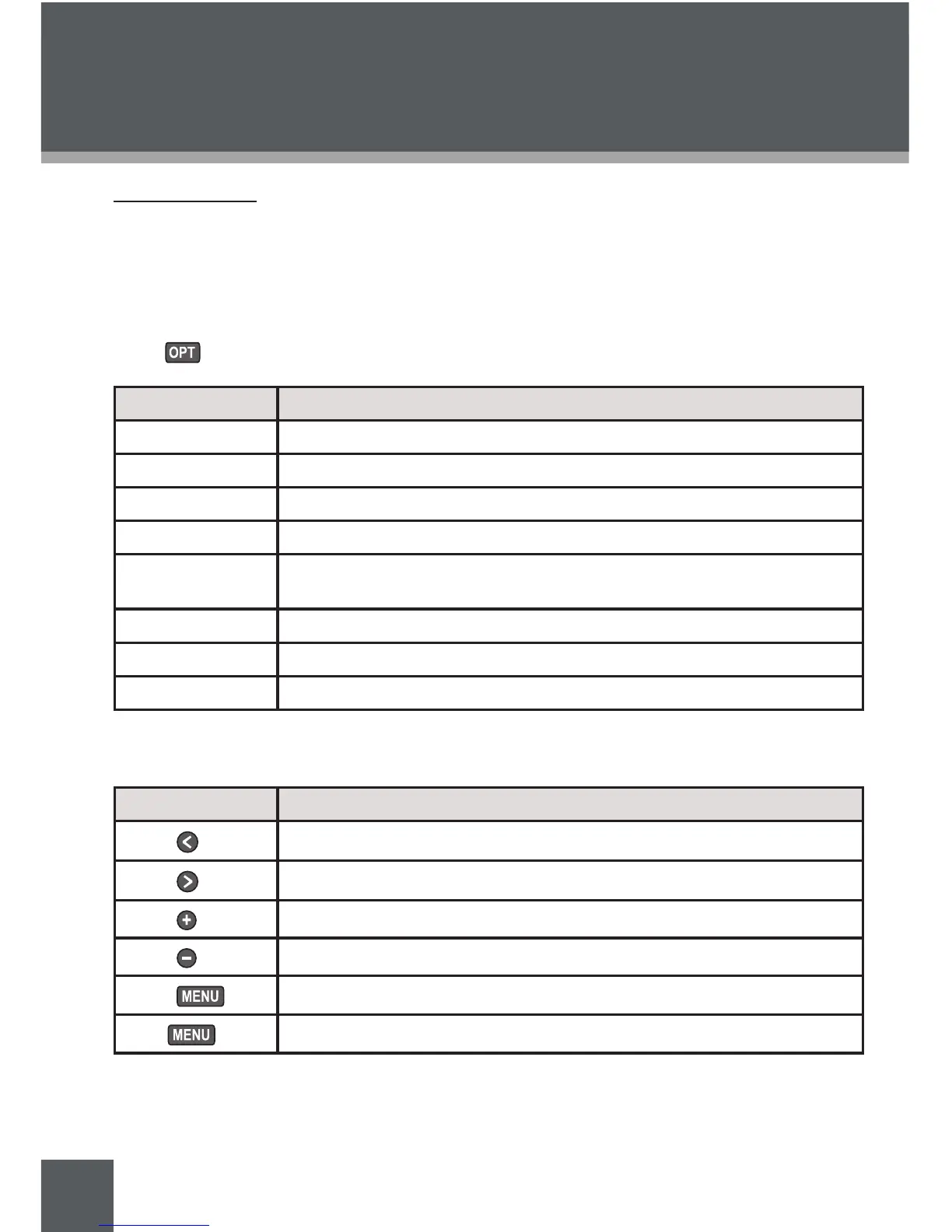
Ebook File Browser Context Options
Press to view the following context options.
Item Function
Desktop Return to the Main Menu Desktop
New Create a new folder
Copy Prepare to copy the selected le
Move Prepare to move the selected le
Paste
Complete copying or moving a le (only available during copy or move
operations)
Delete Delete the selected le
Rename Rename the selected le
Information Display le information details
Ebook Reader Controls
Use the following controls during text reading.
Key Function
Press
Read previous le
Press
Read next le
Press
Go to previous page
Press
Go to next page
Press
Return to the File Browser
Hold
Return to the Main Menu Desktop
1.
2.
EBOOK MODE



 To Next Page