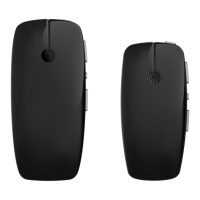
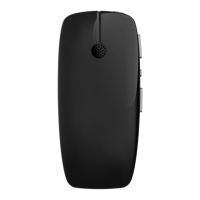
Option 2: Use your Nucleus Remote Control
1. Turn ON your sound processor(s).
2. Turn ON your Remote Control.
3. Turn ON your TV Streamer.
4. Press and hold the Telecoil button for 2 seconds, then release.
5. To stop streaming, Tap the Telecoil button.
Option 3: Use your sound processor
1. Turn ON your sound processor(s).
2. Turn ON your TV Streamer.
3. Press and hold the button on your sound processor for 2 seconds,
then release. The sound processor flashes a blue light
to indicate audio is streaming.
4. To stop streaming, tap the button on your sound processor.
Telecoil
button
© Cochlear Limited 2015 True Wireless Accessories - 25



 To Next Page