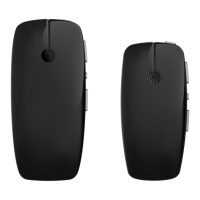
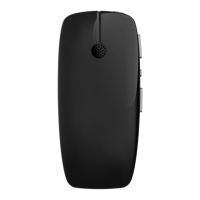
Check the wireless microphone
performance
You can measure and compare the signal level received from your
sound processor microphones with the signal received from a remote
microphone such as Mini Microphone (MM) or FM device.
This measurement can be helpful to:
• set up an FM system
• check that the remote microphone is still providing the desired
benefits.
You can display this "Advantage" screen on your Remote Assistant by
following these steps:
1. On your Remote Assistant, from the Home screen, press the right
arrow button until you get to the Settings screen then press the
OK button.
2. Press the right arrow button until you get to the MM/FM
Advantage screen. Press OK.
NOTE
Before following the steps below it is important
to choose a quiet place with no background
noise.
36 - True Wireless Accessories © Cochlear Limited 2015
Check the wireless microphone performance



 To Next Page