6. Turn ON your sound processor(s). It briefly flashes a
blue light to tell you pairing has been successful.
7. You can now replace your sound processor(s).
Step 1b: Pair your mobile phone to the Phone Clip:
8. Turn on Bluetooth on your mobile phone.
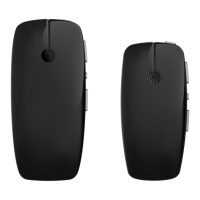
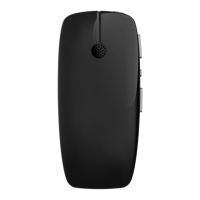
9. Press the blue pairing button on the back of the Phone Clip. The
LED on the top of the Phone Clip lights blue for 2 minutes. While
this light is blue you need to pair the Phone Clip with your mobile
phone.
10. On your mobile phone, select the Hearing Aid Phone from the list
of Bluetooth devices.
11. Replace the silver cover on the base of the Phone Clip.
Now you can use your Phone Clip. Go to Step 2: Use your Phone Clip.
NOTE
After pairing, if you are not wearing your sound
processor, the blue light will change to orange.
Mobile phone
pairing button
30 - True Wireless Accessories © Cochlear Limited 2015
Phone Clip



 To Next Page