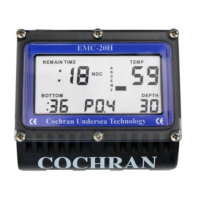
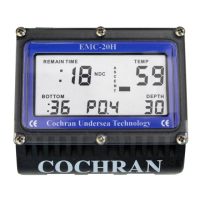
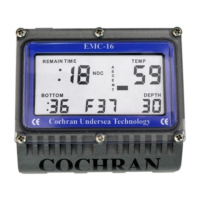
PRODUCT INTRODUCTION: The EMC-16 is quite simple to use and
operate, but underneath that simplicity lies a significant level of
sophistication. To get the safest and most effective use of this instrument,
it is important that the user fully understand the product. Please read and
understand this entire manual and know the principles and practices of
safe diving before using this device. If you are using the EMC-16 with
Nitrox, the diver specifically acknowledges that he has been adequately
and thoroughly trained and certified to engage in Nitrox diving by a
professional, competent, recognized training agency.
This Manual is divided into the following Sections:
Section Page
• Operation as a One Blend Nitrox Dive Computer 1
• Alarm Clock Operation 3
• Touch Programming 3
• Warnings 6
• Oxygen & PO2 factors 7
• Gas Blend Switching 7
• Configurable Items 9
• Specifications and Maintenance 11
• Liability, and Warranty 12
• Itemized Index and Subjects 14
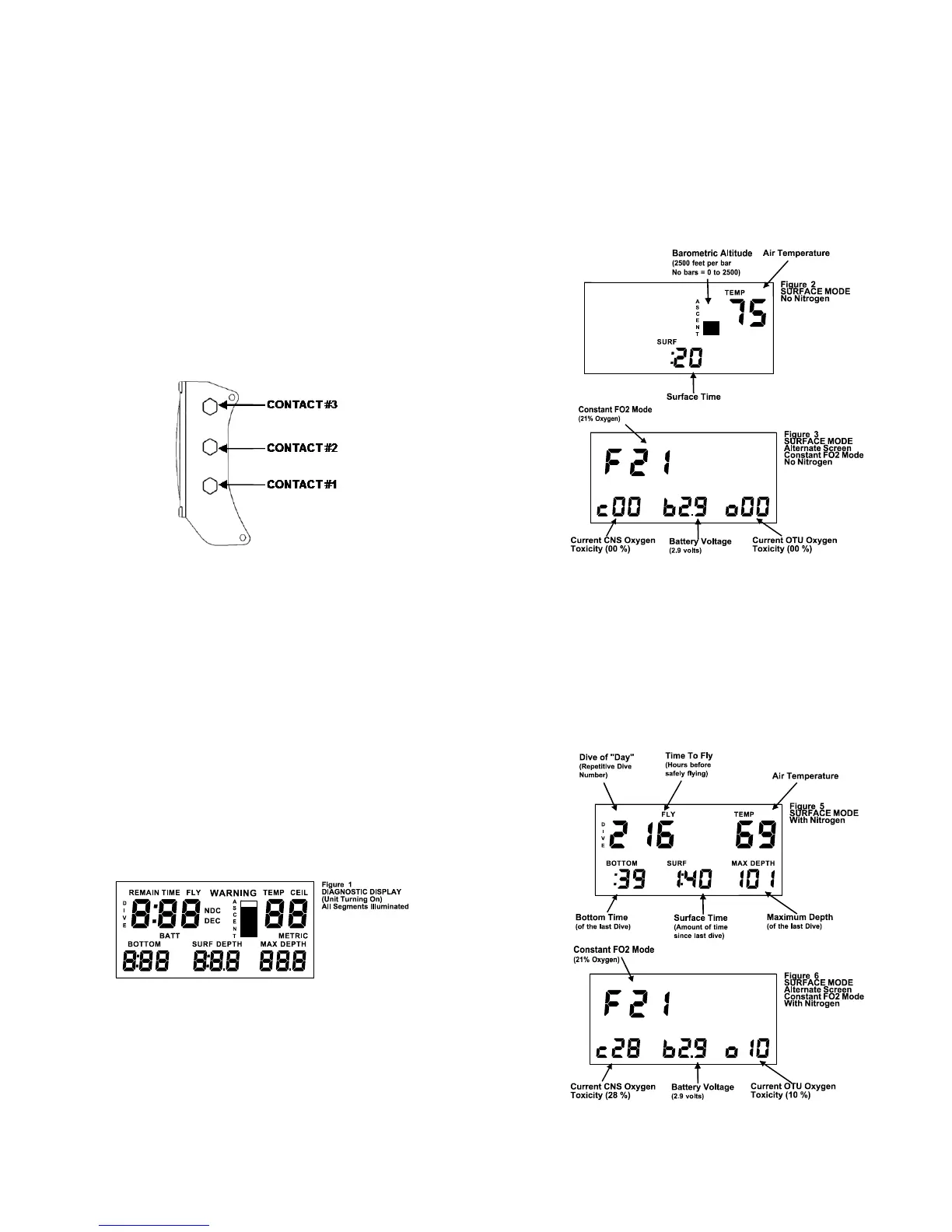
SIDE CONTACTS:
The Contacts are used to let the user command the unit to do a number of
functions, communicate with a PC for extracting information or configuring
the unit, and determining water conductivity. When Contacts 1 & 2 are
shorted, the EMC-16 can detect the difference between wet fingers, metal
objects, fresh water, salt water, and a PC interface probe.
TURNING ON THE EMC-16: Although the EMC-16 automatically turns on
when it is submerged in water, it is STRONGLY recommended that the
unit be manually powered up by wetting two fingers and simultaneously
touching Contacts 1 and 2 for two seconds. This allows the diver to
ensure that the unit is operating correctly and has adequate battery
capacity prior to entry. Once activated, the unit will remain on for 60
minutes. If a dive is not initiated within this 60 minutes, the EMC-16
automatically shuts off. Notice that when Contacts 1 & 2 are first bridged,
a short beep is issued which indicates that the unit is recognizing the
touch. Every time Contacts 1 & 2 are bridged with wet fingers, the unit will
stay on for one full hour.
The EMC-16 will not turn on if the altitude is greater than 16,000 feet or if
the battery voltage is less than 2.0 volts, or a fault is detected during the
self-test.
As the EMC-16 first recognizes a turn-on command, it begins a
“Diagnostic” function where many aspects of the system will be exercised
and tested. This procedure takes about three seconds and an audible
beep is issued each second as certain tests are successfully completed.
During this time, all of the segments in the display are turned on so that
their operability can be confirmed by the user. Should a test indicate a
malfunction or marginal test, the unit will turn back off again. The user
should ensure that all of the display segments are on and operating
correctly.
TURNING OFF THE EMC-16: After the Post Dive Interval following a
dive, the EMC-16 will remain on for one hour before automatically entering
its "Sleep Mode". During the Sleep Mode, all calculations continue but the
display is off. This is a power saving feature of the EMC-16. The unit will
continue calculating Surface Interval, nitrogen off gassing as required, and
any changes in altitude as it affects Nitrogen Loading. The current Surface
Interval and PreDive Predictions can be viewed by reactivating the unit
MAIN EMC-16 OPERATING MODES:
• Surface Interval (No Nitrogen Residual)
• Surface Interval (With Nitrogen Residual)
• Dive Mode (Normal No Deco)
• Decompression Mode
• Post Dive Interval
• Touch Programming
SURFACE INTERVAL:
After completion of the Self-Diagnostic mode or after the Post Dive Interval
following a dive, the EMC-16 enters the Surface Interval. This period has
two screens, a Primary and an Alternate. To switch to the Alternate
Screen just tap once firmly on the face of the unit. The Primary Screen
displays, if applicable; current Surface Time, the previous dive’s Maximum
Depth, the previous dive’s Bottom Time, Dive of Day number, current Time
to Fly, Altitude and Temperature. The Alternate Screen displays the
Current FO2 (normal Blend) oxygen percentage, current calculated CNS
and OTU values, and current battery voltage. Figure 2 shows the display
with no residual Nitrogen (a clean Dive). Figure 5 shows the display with
residual Nitrogen (a repetitive dive). Figure 3 shows the alternate screen
without residual Nitrogen, figure 6 with.
“Surface Time” starts at zero after a dive and begins counting minutes. If
the computer shuts off and is turned on with Nitrogen residual left, the
Surface Time continues to count. If the computer shuts off and is turned
on with no Nitrogen residual left, the Surface Time will be zero.
1


 To Next Page