97
13-1-4. Recording from the Internet Radio
※ NOTE 1: We recommend NOT to record continuously for over three (3) hours.
※ NOTE 2: Space required for recording in MP3 format: 1 hour(54MB)/2 hours(108MB)/3
hours(162MB)
※ NOTE 3: X50Pro will record i-Radio by the formats like MP3, AAC or ASF according to the
station’s streaming format.
13-1-4-1. How to record
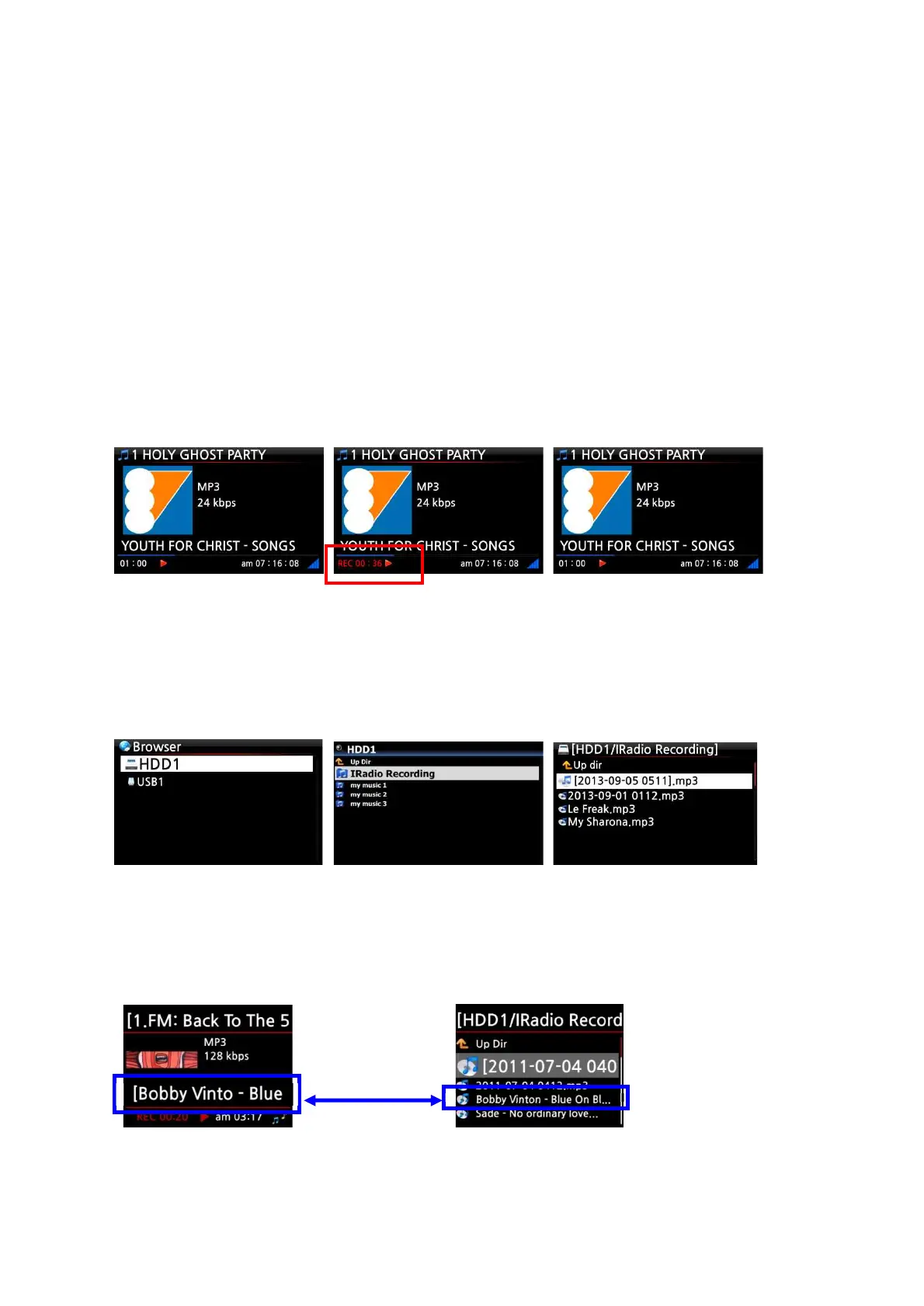
① While the I-Radio is playing, press the REC button to start recording.
② Press the STOP button to stop recording
[ Playing ] [ Recording ] [ Playing ]
13-1-4-2. Where is the recorded file stored ?
The X50Pro creates a [IRadio Recording] folder on the hard disk automatically when recording has
started. All recorded files are stored in the IRadio Recording folder, see below.
13-1-4-3. The recorded file name structure
The station will show the music title, see below, the recorded file name will be the music title.



 To Next Page