1.1 What is 3D Printing?
3D Printing is a process whereby a real object is created from a 3D Design. Fused Filament
Fabrication (FFF) is one of the most common technologies used by 3D Printers to achieve this. FFF
works on an ‘additive’ principle by laying down material, such as PLA or ABS lament, in layers to
create a 3D object.
1.2 From 3D Design to Printed 3D Object
3D Design Slice to GCODE Setup 3D Printer Touch 3D Printing Process 3D Printed
Object
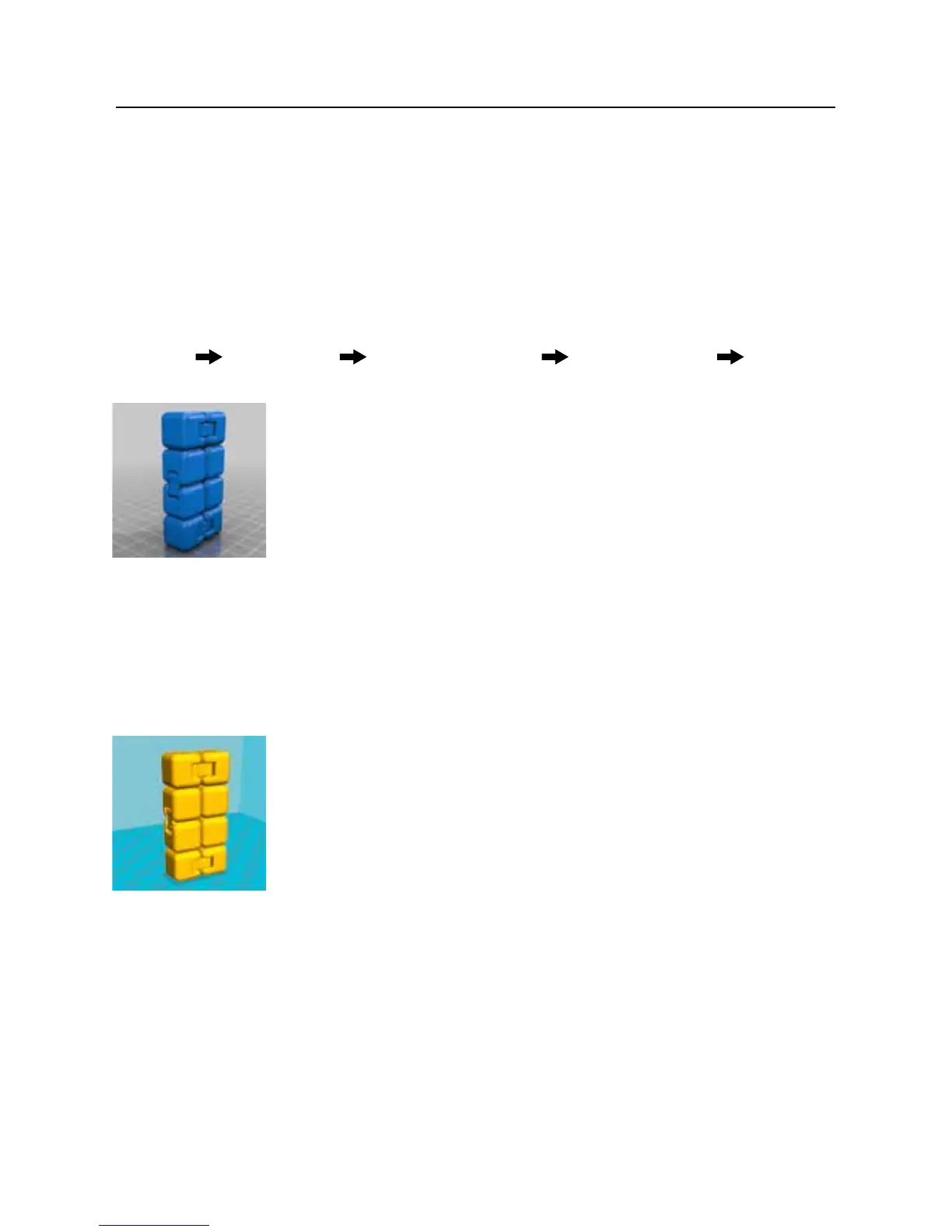
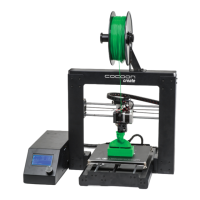
3D Design
Having a 3D Design is the rst step to creating a 3D Object. To start your
creative journey, visit www.cocoonproducts.com.au/3dcreator to download
and share free 3D Designs. There are a number of websites that provide free
access to 3D designs however all that we provide are already converted
to the correct printing format (GCODE). Most other website les require
reformatting (See ‘Slice to GCODE’ for further information).
Alternatively, you can create your own 3D Design using 3D Modelling Software. Programs such as
SketchUp or Blender allow this, however this can take some practice before successfully modelling
your 3D Design. After you’ve nished your 3D Design, you can export it as an .STL le, to be
imported into a ‘Slicer’ program such as Cura.
Slice to GCODE
A ‘Slicer’ converts a 3D Design (usually in .STL or .AMF format) into
individual layers. It then generates the machine code (such as GCODE) that
the 3D Printer Touch will use for printing.
INTRODUCTION


 To Next Page