EasyManua.ls Logo

Code Alarm Car Alarm - System Maintenance; Changing the Remote Control Battery; Adding Remote Controls to Your System

Code Alarm Car Alarm
12 pages
Print Icon
To Next Page IconTo Next Page
To Previous Page IconTo Previous Page
Loading...
System
Maintenance
Changing the Remote Control Battery
The
12-volt
alkaline
battery
supplied
in
your
remote
control
should
last
approximately
one
year,
depending
on
usage.
When
the
battery
begins
to
weaken,
you
will
notice
a
decrease
in
range,
or
the
distance
from
your
vehicle
that
your
remote
transmitter
will
operate.
Follow
the
instmctions
below
to
change
the
remote
transmitter
battery.
7
1.
Insert
the
edge
of
a
coin
into
the
slot
at
the
top
of
the
remote
control.
Twist
the
coin
to
pry
the
remote
control
halves
apart.
2.
Remove the
old
battery and replace with a new one.
Be
sure
to
observe the
(+)
and
(-)
signs
In
the battery compartment.
3. Carefully snap the case halves back together, then test the remote control.
It
is
not
necessary to re·program the remote control after changing the battery.
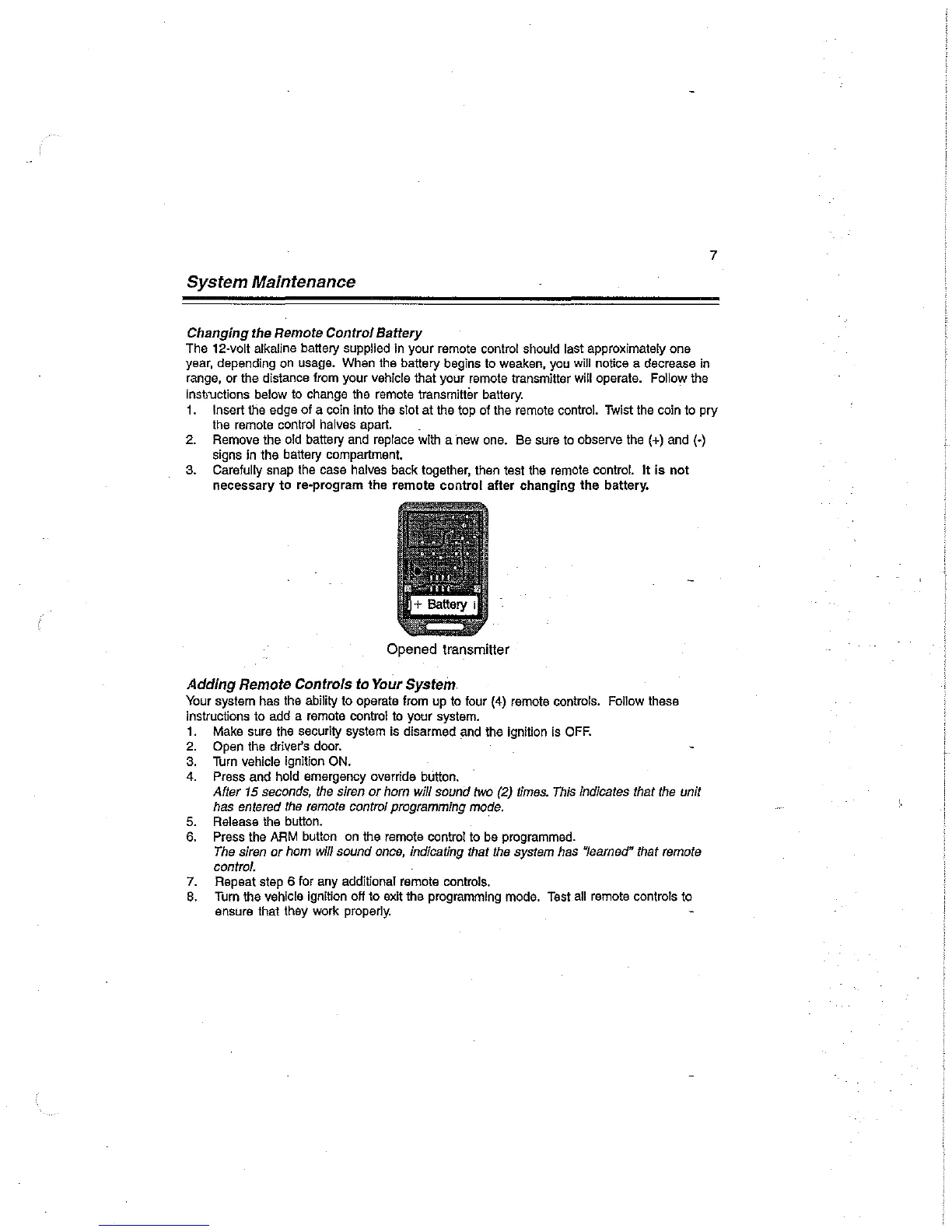
Opened transmitter
Adding
Remote Controls to Your System
Your
system
has
the
ability
to
operate
from
up
to
four
(4)
remote
controls.
Follow
these
instructions
to
add
a
remote
control
to
your
system.
1.
Make
sure
the
security
system
is
disarmed
~nd
the
ignition
is
OFF.
2.
Open the driver's door.
3.
Turn
vehicle
ignition
ON.
4.
Press
and
hold
emergency
override
button.
After
15
seconds,
the
siren
or
horn
will
sound
two
(2)
times.
This
indicates
that
the
unit
has
entered
the
remote
control
programming
mode.
5.
Release
the
button.
6.
Press
the
ARM
button
on
the
remote
control
to
be
programmed.
The
siren
or
hom
will
sound
once,
indicating
that
the
system
has
"learned"
that
remote
control.
7.
Repeat
step
6
for
any
additional
remote
controls.
8.
Turn
the
vehicle
ignition
off
to
exit
the
programming
mode.
Test
all
remote
controls
to
ensure
that
they
work
properly.

Related product manuals