8
Two-Car Mode
Your transmItters can be programmed to operate two separate vehicles, both equipped with the
same model system.
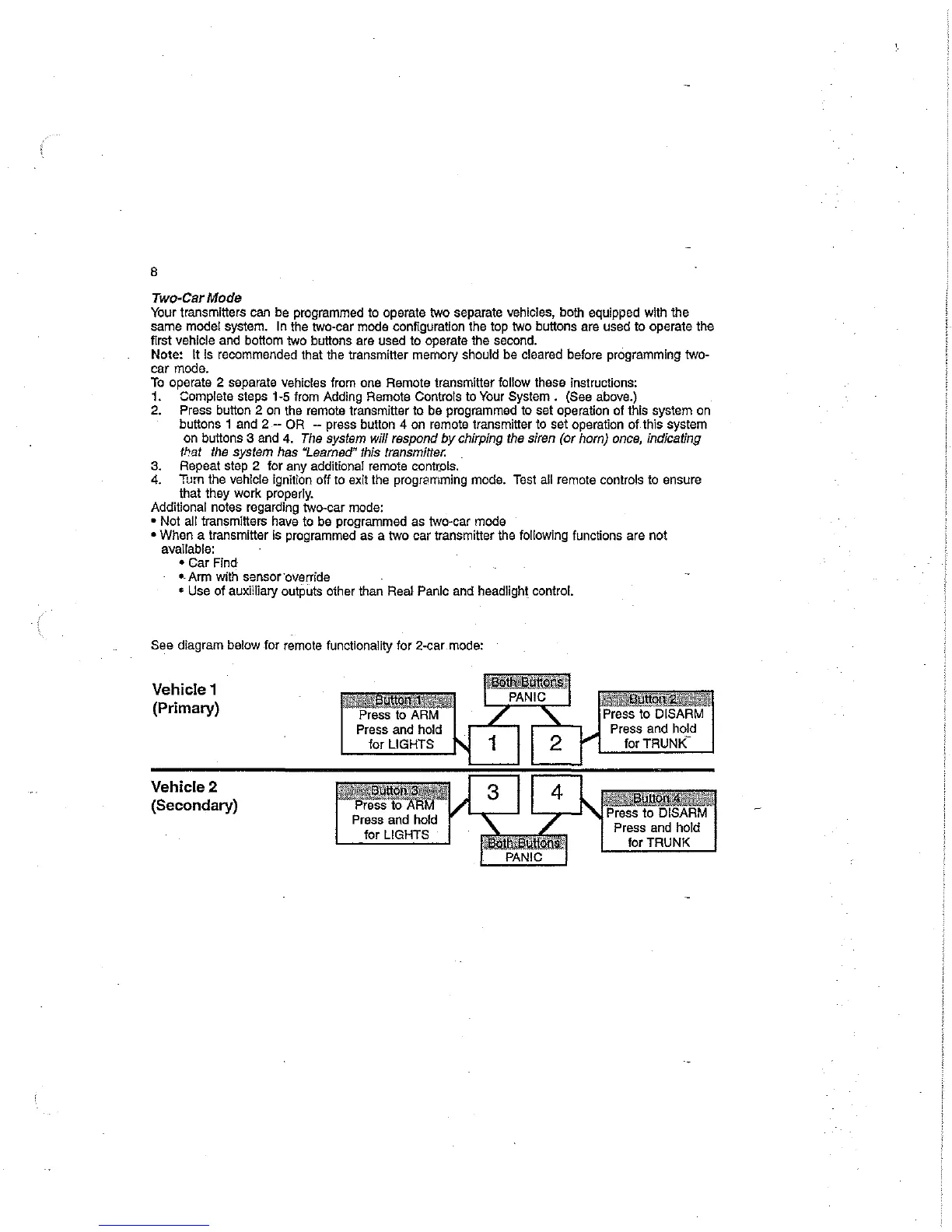
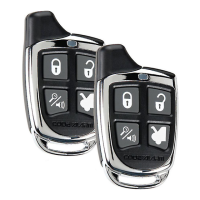
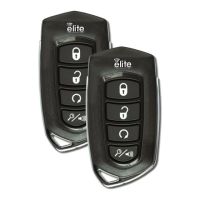
In the two-car mode configuration the top two buttons are used
to
operate the
first vehicle and bottom two buttons are used
to
operate the second.
Note:
It is recommended that the transmitter memory should be cleared before programming two-
car mode.
To
operate 2 separate vehicles from one Remote transmitter follow these instructions:
1. Complete steps 1-5 from Adding Remote Controls to Your
System.
(See above.)
2. Press button 2 on the remote transmitter to be programmed to set operation of this system
on
buttons 1 and 2 - OR -- press button 4 on remote transmitter to set operation
of
this system
on buttons 3 and 4. The system
will
respond
by
chirping the siren (or horn) once, indicating
that the system
has
"Learned" this transmitter.
3. Repeat step 2 for any additional remote cont[ois.
4.
Tum
the vehicle ignition off to exit the programming mode. Test all remote controls to ensure
that they work properly.
Additional notes regarding
two~car
mode:
- Not all transmitters have to be programmed as
two~car
mode
- When a transmitter is programmed as a two car transmitter the following functions are not
available:
- Car Find
--Arm with sensor·override
$ Use
of
auxHliary outputs other than
Rea~
PanIc and headlight control.
See
diagram below for remote functionality for 2
w
car mode:
Vehicle 1
(Primary)
Vehicle 2
(Secondary)



 To Next Page