6
2 Printer Setup
G500 Series
Install The Ribbon On The Printer
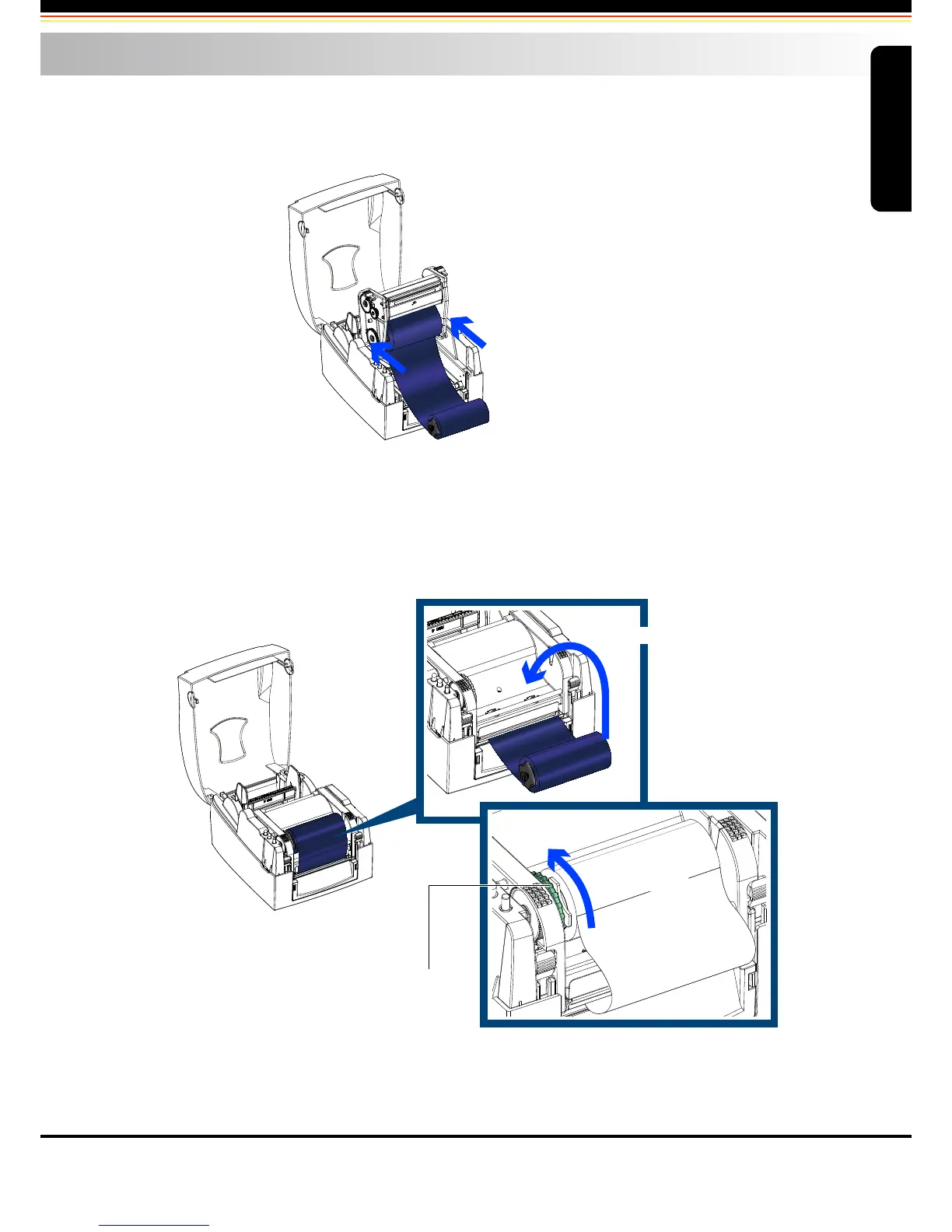
Place the ribbon supply hub at the back of the printing mechanism.
Pass the ribbon supply hub under the print head.
Insert the ribbon rewind hub on the ribbon feed mechanism.
Close the printing mechanism, making sure that it clicks into place.
Place on the printing mechanism
RIBBON FEED MECHANISM
Wind to the back
Insert into the printing mechanism
Printer Setup



 To Next Page