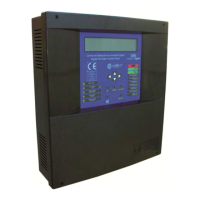
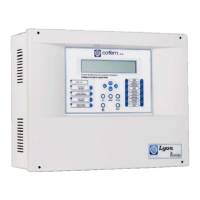
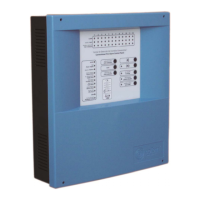
Digital fire detection control panel
COMPACT LYON
44
FIRE PRETECTION MANUFACTURER
Ctra. de Molins de Rei a Rubí, Km. 8,4 - 08191 RUBÍ (Barcelona) ESPAÑA.
Tlf.: +34 935 862 690 - Fax:+34 936 999 261 - cofem@cofem.com - www.cofem.com
3.2.1.4- Look up incidents.
After viewing the incident that we wanted to look up, we press the right cursor to obtain in each case
the corresponding screen with the rest of the incident information.
The next step, after viewing the incident and pressing the ENTER key, is to enter the level 2 access
code. Once in level 2, we will press RESET and the control panel will enquire if we want to reset the
incident. The access code 2 will remain active for a few seconds. If we exit level 2 access and the time of
authorisation at this level expires, it will be necessary to re-enter the corresponding code.
3.2.1.5.- Silence buzzer.
Key that enables the buzzer sound to be stopped after it has been activated by an
incident. It is automatically reactivated for each new incident.
3.2.2. - Level 2 access.
3.2.2.1. - Access code
Password Leve l 2 : 00
When pressing the menu key we access level 2 by means of a code (027). At this new level we will be
able, among other things, to deactivate incidents, to put zones into service, to disable zones and to activate
and deactivate relays.
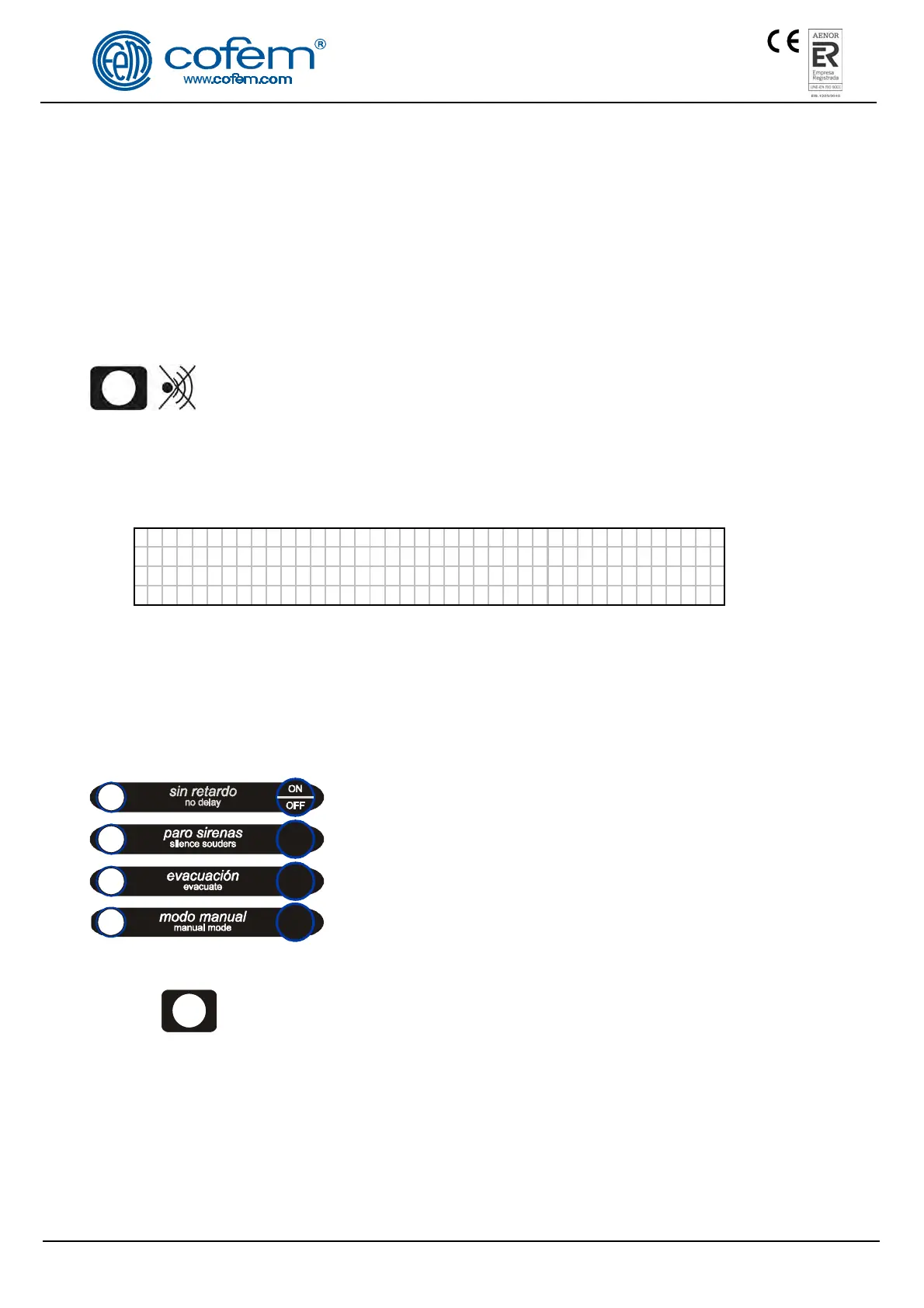
3.2.2.2- Front panel keypad.
Disable configured relay delays.
Deactivate all relays that are configured as sirens.
Activate all relays programmed as sirens and switches.
Change to manual mode and disable all automatic activations of
relays.
RESET Key that enables the events generated in the system to be reset.
3.2.2.3- Reset events.
After any of the incidents previously described have been detected and the access code to level 2 has
been entered, pressing the RESET key will deactivate these incidents, thereby resetting them. If these
incidents were faults, before resetting we must ensure that they have been corrected, otherwise they will re-
appear on the screen.


 To Next Page
 Loading...