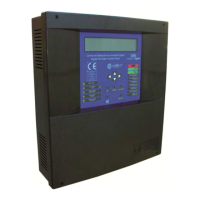
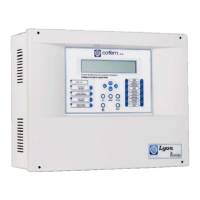
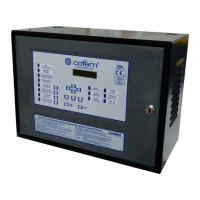
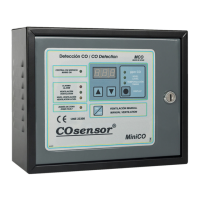
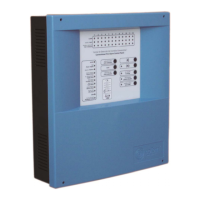
Digital fire detection control panel
COMPACT LYON
48
FIRE PRETECTION MANUFACTURER
Ctra. de Molins de Rei a Rubí, Km. 8,4 - 08191 RUBÍ (Barcelona) ESPAÑA.
Tlf.: +34 935 862 690 - Fax:+34 936 999 261 - cofem@cofem.com - www.cofem.com
3.2.3.4.1- Loop configuration.
Option 1 of the CONFIGURE menu. In this menu we have the possibility of configuring all the
parameters related to the element of a loop such as: to assign the element numbers, to detect the elements, to
configure sensitivity, etc.
Within the LOOP CONFIGURATION menu we have three important submenus that are:
SENSITIVITY OF A TYPE: This submenu allows us to vary the sensitivity of all the sensors configured
in the loop according to the type. Sensitivity has three levels HIGH, AVERAGE and LOW (all the
sensors come with average sensitivity).
FLASHING: This submenu allows us to enable/disable the blinking of all the elements configured in the
loop.
POINT CONFIGURATION: In this submenu we will be able to detect the elements that are connected to
the loop and to assign a point number to them. Within this submenu we have seven submenus:
VIEW LOOP INFORMATION: In this submenu we can see the number of elements that are in the
loop classified by type.
L
OOP : 0 1 A 3 0XHA ⁄ S:004 SIRAY:000
POINTS:005 A30XTA :000 MDAxY:000
A30XHTCO:000 MSTAY:000
MYO
:000 PUC
Y:001 KM
Y:000
SEARCH FOR LOOP POINTS: It detects elements in the installation and it shows a list the same
as the one above.
ASSIGN NUMBER TO POINT: To save the programming number of each point in the control
panel. The programming number is the identification number that each elements has (from 1 to
65533 and the same number may never be repeated in a loop). The control panel must know
this programming number to identify the elements.
LOOP AUTOMATIC CONFIGURATION: It looks for the points of the loop and assigns the
programming number to each point following the order of the programming numbers beginning by
the smallest.
DELETE POINT: To delete a point that is no longer connected to the loop and is still configured,
delete the programming number and the label of the element.
REPLACE POINT: Replace one point in the loop by another. This is the appropriate option to
replace an element since it saves the label. Take into account that it is necessary to first physically
replace the element with the control panel disconnected, then start up the control panel and lastly
run this menu option.
DELETE LOOP POINTS: To eliminate all the points configured in a loop both programming
numbers and labels.


 To Next Page
 Loading...