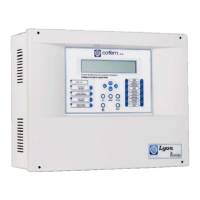
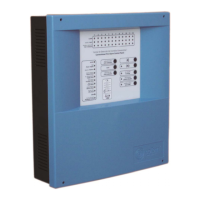
Digital fire detection control panel
COMPACT LYON
FIRE PRETECTION MANUFACTURER 49
Ctra. de Molins de Rei a Rubí, Km. 8,4 - 08191 RUBÍ (Barcelona) ESPAÑA.
Tlf.: +34 935 862 690 - Fax:+34 936 999 261 - cofem@cofem.com - www.cofem.com
3.2.3.4.2- Configure logical relays.
Option 2 of the CONFIGURE menu. In this menu we have the option of configuring all the parameters
referred to logical relays connected to the loop, that is to say, the type of actuation, delay, etc.
Within the CONFIGURE LOGICAL RELAYS menu we have eight submenus:
RELAY ACTUATION: The relays can be configured as Sounders, Switches and relay.
SOUNDERS: these are activated automatically if they have been so configured and this is affected
by the silence sounders button.
MANOEUVRES: these are activated automatically if they have been so configured and are not
affected by the silence sounders button
RELAY: this is activated automatically and neither the evacuation nor the silence sounders keys
affect it.
DELAY: The time period within which the necessary alarms are generated in order for a logical relay to
be activated and the actuation of the same. A delay of between 0 and 9 minutes 59 seconds is possible.
DAY/ NIGHT: In this submenu we can configure the type of activation of a logical relay (active with or
without delay, inactive) for a daytime and night schedule. We will be able to activate the day mode
independently for every day of the week.
PHYSICAL SITUATION: Loop and point number where the logical relay is.
LABEL: To introduce a description of the relay for its identification in the installation.
ACTIVATION MODE: Within this menu we find two options: General Activation and Activation by
List.
GENERAL ACTIVATION: This option causes the relay to activate when an alarm occurs in any
element of the control panel.
ACTIVATION BY LIST: We can configure the activation lists of the relay selecting the points that
we want to activate the relay. When any one of the point defined in the list goes into alarm status,
the relay activates. The control panel enables up to 8 different activation lists to be configured for
each relay and they are configured by introducing a first and last point (the points that are
configured in the list are the all elements consecutively from the first to the last entered point) in
the same loop, except for the crossed relay function which does not allow for activation lists.
VIEW CONFIGURATION: View the configuration of the relay and all its parameters.
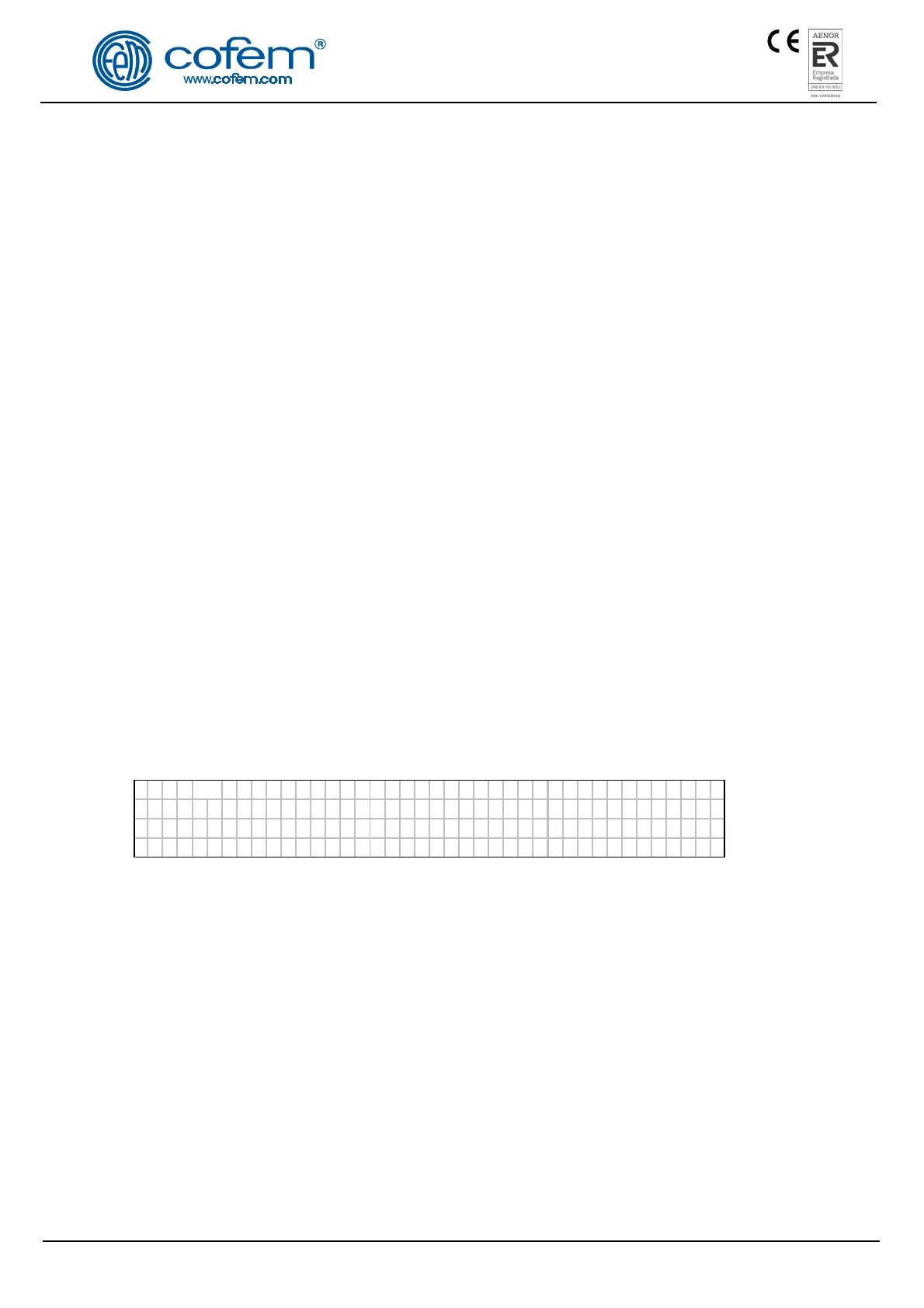
R
ELA
y Re l e 2 Re l ay 002
MDA2Y Operat ion Loop: 002 Po int :003
DAY De t ec t or :Yes Ca l l :Yes De l ay : 0 00
NIGHT De t ec t o r :Yes Ca l l :Yes
VIEW DELAY LISTS: View the list of points configured for the relay.
3.2.3.4.3- Configure alarm zones.
Option 3 of the CONFIGURE menu. In this menu we have the option of configuring the various alarm
zones into which we will divide the points of the control panel. When an alarm zone is configured, it is not
permissible to include a point in two different alarm zones.
Within this menu we have five submenus:
CONFIGURE ZONE: The control panel will request the loop number, the first and last consecutive
element included in the alarm zone list. We will be able to introduce 8 lists into each alarm zone.
MODIFY LISTS: This option allows us to modify one of the alarm zone lists.
DELETE ZONE: The zone configuration is deleted.
LABEL: This provides a description of the zone with a maximum of 20 characters for its identification in
the installation.


 To Next Page
 Loading...