Installation
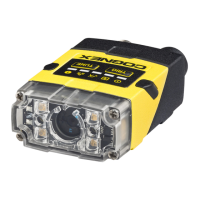
Installation procedures and specifications are presented in detail in the DataMan
®
260 Reference Manual, which is installed with the DataMan Setup Tool. From the
Windows Start menu, select the following to access the manual: All Programs >
Cognex > DataMan Software vx.x.x > Documentation.
Note:
l Cables are sold separately.
l If a standard component is missing or damaged, immediately contact
your Cognex Authorized Service Provider (ASP) or Cognex
Technical Support.
CAUTION: All cable connectors are keyed to fit the connectors on the reader.
Do not force the connections or damage may occur.
Mounting
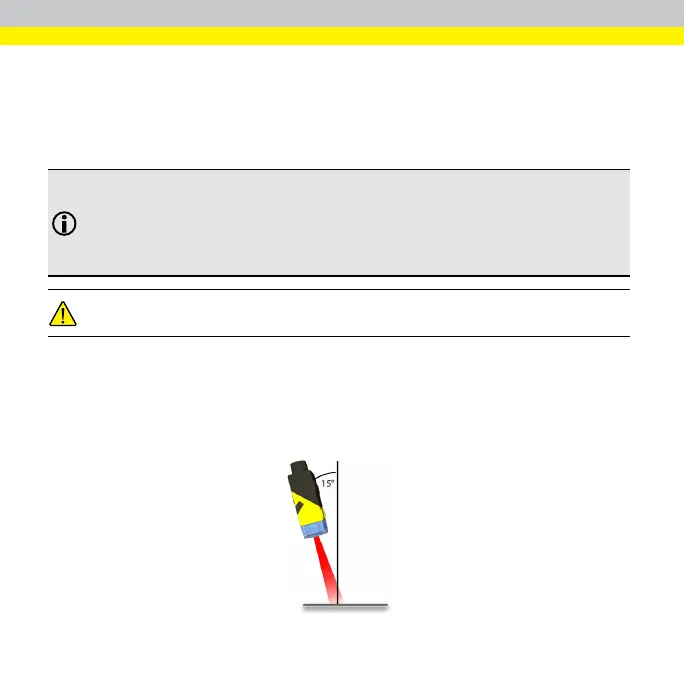
Mounting the DataMan 260 at a slight angle (15°) can reduce reflections and
improve reader performance.
Use the set of mounting holes on the rear part to mount the DataMan reader.
24



 To Next Page