Thank
you
for
purchasing
the COLACAM Life Camera. This
camera is designed with unique ultra-small
portable
wear
It can be used in various fields to bring
you
convenience,
safety and colorful life experience. ln orderto better
understand the use of the
product, please
read the instruction
manual carefully.
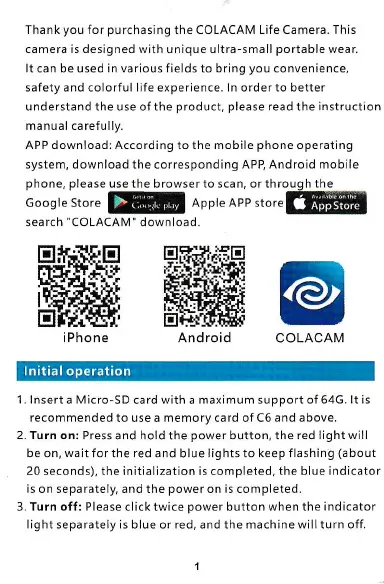
APP download: According
to
the mobile
phone
operating
system, download the corresponding APB Android mobile
@
COLACAM
phone, please
use the browser to scan,
or
through
the
Google store
@6
lnnt" lee rtor"!@
search'COLACAM" download
EIHlftEI
ffi
i Phone
1. lnsert
a
Micro-SD
card with a maximum support
of 64G. lt is
recommended to use a memory card of C6 and above.
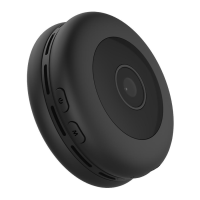
2. Turn on:
Press and hold the
power
button, the
red light will
be on,
wait
for the red and blue lights to keep flashing
(about
20 seconds), the initialization is completed, the blue indicator
is on separately, and the
power
on is completed.
3. Turn off: Please click twice
power
button when the indicator
light separately is blue or red, and the machine will turn off,


 To Next Page