System Time
Set the time,the time format is<hour><minute><second>
3-3 Advanced
LAN Configuration
Onboard LAN Controller
Select to open or close the onboard network card controller.
The set values are: Disabled and Enabled。
Launch PXE OpROM
Select to open or close diskless booting.
The set values are: Disabled and Enabled。
PC Health status
Smart Fan Function
Set open or close the smart fan function.
》LAN Configuration
》PC Health status
》Power Management setup
》ACPI Settings
》CPU Configuration
》SATA Configuration
》USB Configuration
》Super IO Configuration
》Trusted Computing
→←Select Screen
↑↓/Click:Select Item
Enter/ Dbl Click: Select
+/-: Change Opt
F1: General Help
F7: Previous Values
F9: Optimized Defaults
F10: Save & Exit
ESC/Right Click: Exit
Main
dvanced
Chi
set
Boot
Securit
C.Ocloc
Exit
19
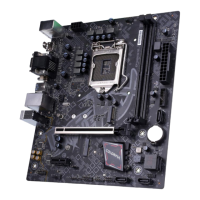
BATTLE-AX B360M-E PRO V21/BATTLE-AX B360M-HD PRO V21












 To Next Page