EasyManua.ls Logo

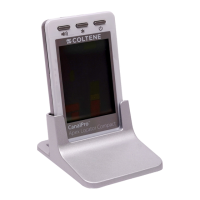
Coltene CanalPro Apex Locator Compact - User Manual

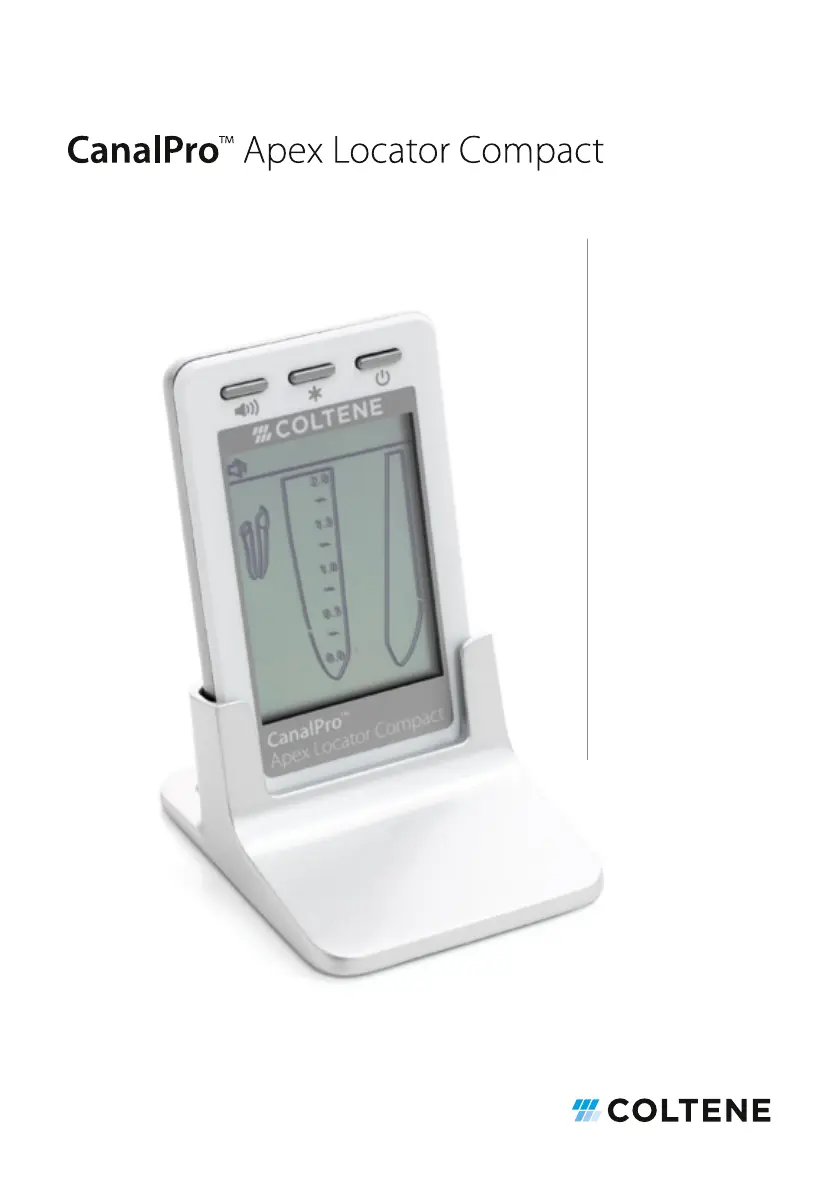
Coltene CanalPro Apex Locator Compact
338 pages
Go to English
Print Icon
To Next Page IconTo Next Page
Loading...
3 Gebrauchsanweisung
17 Instructions for use
31 Mode d'emploi
45 Istruzioni per l‘uso
59 Instrucciones para el uso
73 Instruções de utilização
87 Gebruiksaanwijzing
101 Brugsanvisning
115 Bruksanvisning
129 Bruksanvisning
143 Käyttöohje
157 Οδηγίες χρήσης
171 Instrucțiuni de utilizare
185 Instrukcja użycia
199 Navodila za uporabo
213 Naudojimo instrukcijos
227 Kasutusjuhised
241 Návod k použití
255 Használati utasítás
269 Návod na použitie
283 Инструкции за употреба
297 Lietošanas instrukcija
311 Kullanma talimatları
325 Upute za upotrebu

Table of Contents

Questions and Answers

  • T
    timothy98Aug 10, 2025
    What to do if Coltene CanalPro Apex Locator Compact does not show file advance inside the canal?
    • J
      Joshua AdamsAug 11, 2025
      Poor electrical contact may cause the device to not show file advance inside the canal. Clean contact surfaces of the file, the file clip, and the lip clip, and perform a cable connection test.
  • S
    Steven BrownAug 17, 2025
    Why does Coltene Dental equipment shut off while measuring?
    • J
      Juan OrozcoAug 17, 2025
      The device may shut off while measuring because it was not used for more than 2 minutes. In this case, turn the device back on. Alternatively, the batteries may be flat, so replace them.
  • T
    Tonya FisherAug 23, 2025
    How to fix no sound while measuring on Coltene CanalPro Apex Locator Compact Dental equipment?
    • B
      bboltonAug 23, 2025
      If there is no sound while measuring, the sound control may be set at Mute level. Adjust the sound level by pressing the “volume” button.
  • K
    Kathleen LewisAug 28, 2025
    How to fix Coltene CanalPro Apex Locator Compact that does not switch on?
    • J
      Jason CainAug 28, 2025
      If the Coltene dental device does not switch on, try pressing the On/OFF button several times. If that doesn't work, the battery may be empty, so change the battery. If the problem persists, it may be an electronic malfunction.
  • L
    lewisdonaldNov 3, 2025
    Why Coltene CanalPro Apex Locator Compact gives incorrect measurements?
    • K
      Kimberly FloresNov 3, 2025
      Incorrect measurements may occur due to several reasons: * The canal may be dry or calcified, so irrigate the canal. * The conductive path for restoration treatment may be blocked, so remove old canal filling to open the path and irrigate the canal. * Blood or irrigation liquid overflow may provide a conductive path outside the canal, so dry the excessive liquid. * Deep caries may provide a conductive path outside the canal, so block the external conductive path. * A metal crown or metal filling may provide a conductive path outside the canal, so avoid contact between the file and metal crown/filling. * Perforation may cause this issue, so remove the file, close the perforation, and carefully repeat the measurements. * A large lateral canal may cause this issue, so try to co...

Summary

Directions for use

Indications for use

Contraindications

Warnings

Precautions

Step-by-step instructions

Getting started

Guides users on initial setup, identifying buttons and connection ports on the device.

Battery installation and replacement

Device operation

Cable connection test

Apex localization procedure

Apical zone indication

Over-instrumentation warning

Maintenance, cleaning, and sterilization

Disinfection and sterilization procedure

Troubleshooting guide

Product warranty information

Technical specifications

Coltene CanalPro Apex Locator Compact Specifications

General IconGeneral
BrandColtene
ModelCanalPro Apex Locator Compact
CategoryDental equipment
LanguageEnglish

Related product manuals