EasyManua.ls Logo

Coltene CanalPro CL2 - User Manual

Coltene CanalPro CL2
108 pages
Print Icon
To Next Page IconTo Next Page
Loading...
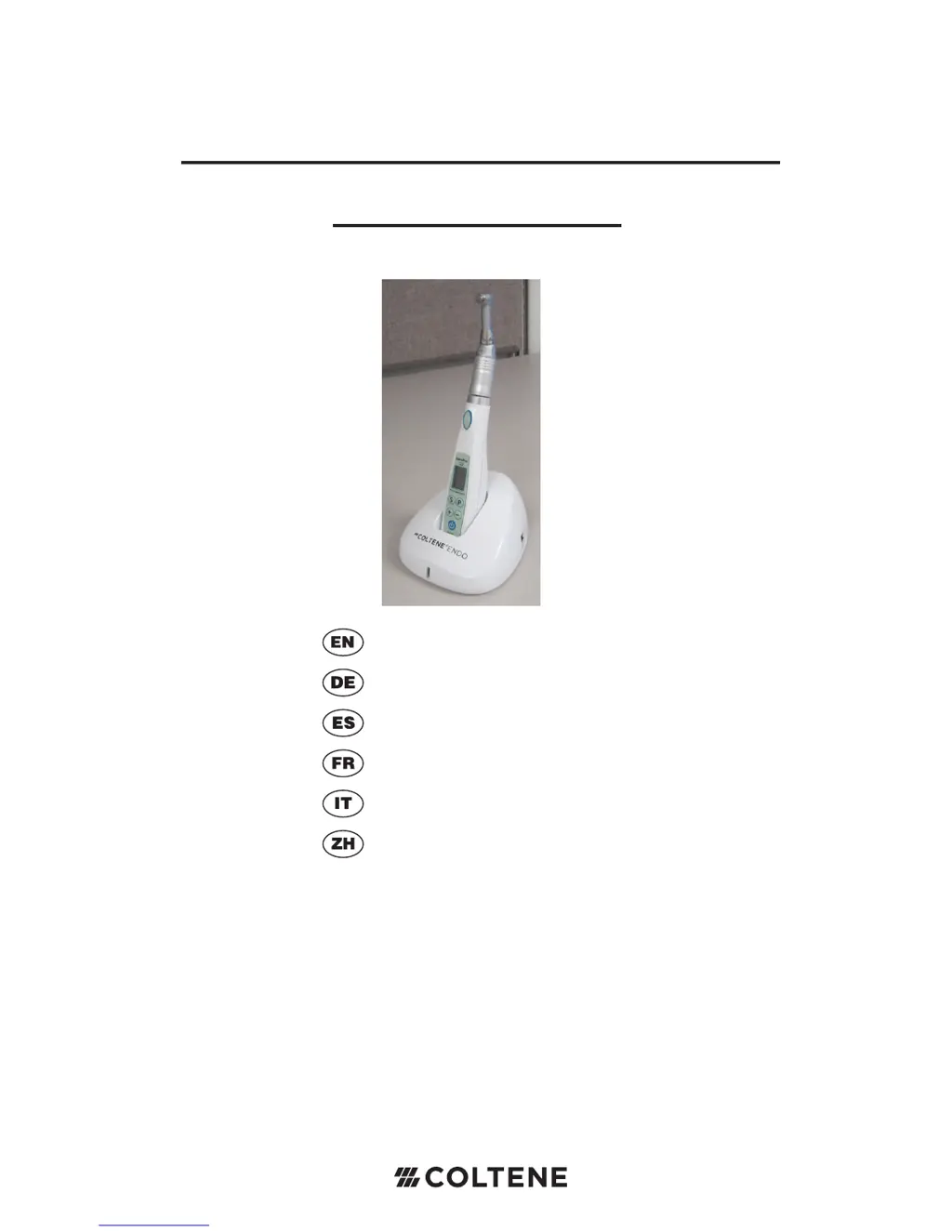
CanalPro
TM
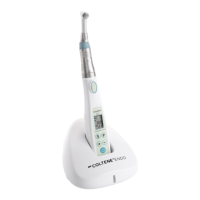
CL2 Cordless Handpiece
User’s Guide
Users Guide
Gebrauchsanweisung
Manual del usuario
Notice d’utilisation
Manuale per l’utente
用户指南

Table of Contents

Questions and Answers

  • J
    Jeffrey Baldwin Jr.Jul 31, 2025
    Why is my Coltene Dental equipment battery not charging properly?
    • T
      Thomas BrooksAug 1, 2025
      If your Coltene Dental equipment battery isn't charging correctly, several factors could be at play. First, the battery might be completely drained, requiring a replacement. Alternatively, the battery temperature may be too low; ensure the charger is in an area above 0° C (32° F). High battery temperature can also prevent charging, in which case you should contact customer service. Also, verify that you are using the correct batteries, as incorrect voltage can cause charging issues. Lastly, ensure the handpiece is correctly mounted on the charging base and check for any displayed error messages.
  • W
    whitemariaAug 4, 2025
    How to fix a Coltene Dental equipment when the LED does not turn on?
    • G
      Gregory MorrisAug 5, 2025
      If the LED on your Coltene Dental equipment isn't turning on, the battery is likely the issue. If the battery is not completely drained, it needs to be recharged. However, if the battery is completely drained, it will need to be replaced.
  • L
    Lori BowenAug 9, 2025
    What to do if the charging base of my Coltene Dental equipment is not working?
    • D
      Daisy MitchellAug 9, 2025
      If the charging base for your Coltene Dental equipment is not working, start by checking the power connections to ensure the power cord is properly plugged in. Next, verify that the power switch is turned on. If these steps don't resolve the issue, the fuse may have blown, and you should contact customer service.
  • G
    gcortezAug 13, 2025
    Why is the handpiece power of my Coltene Dental equipment weak?
    • K
      Kurt WeaverAug 14, 2025
      If your Coltene Dental equipment handpiece is showing weak power, the battery is likely low. Try charging the battery to restore full power.
  • J
    John ParsonsAug 17, 2025
    Why is the RPM of my Coltene Dental equipment handpiece slow?
    • C
      Christopher CastanedaAug 17, 2025
      If the RPM of your Coltene Dental equipment handpiece is slow, it is likely due to a low battery. Charging the battery should resolve this issue.
  • G
    Gregory JohnsonAug 22, 2025
    Why is the Auto/Reverse function not working on my Coltene Dental equipment?
    • S
      Shawn SinghAug 22, 2025
      If the Auto/Reverse function on your Coltene Dental equipment isn't working, the battery might be low. Try charging the battery.
  • A
    Alexis DominguezAug 27, 2025
    What to do if the handpiece head of Coltene Dental equipment is not rotating?
    • M
      Michael CisnerosAug 27, 2025
      If the handpiece head on your Coltene Dental equipment isn't rotating, there may be debris in the motor head. Try cleaning or replacing the contra angle.

Summary

Product Overview

Indications for Use

Specifies the intended application area for endodontic procedures using a root canal instrument.

Product Classification

Details the product's protection against electrical shock and suitability for flammable environments.

Precaution for Safe handling and Operation

Advises users to read and understand safety precautions before product use.

Safety Precautions

Product Components

Controls and Indicators

Details the various controls, indicators, and symbols found on the handpiece and charging base.

Charging Base

Describes the components, power connection, and LED indicators of the charging base.

Operation

Switches

Explains the function and operation of the handpiece's power, motor, program, select, and increment/decrement switches.

Charging the Battery

Provides step-by-step instructions and important notes for charging the handpiece battery.

The CanalPro CL2 Modes

Explains the different operational modes: Auto Stop Reverse Forward, Auto Stop Reverse Stop, and No Indication.

Program Memory Function

Describes the unit's four memory functions for storing user's speed, torque, and mode settings.

Attaching and Removing the Contra Angle

Details how to attach and detach the contra angle, including warnings for correct usage.

Insert or Remove NiTi File

Provides instructions for inserting and removing NiTi files, including essential safety cautions.

Buzzer Setting

Explains how to set the buzzer for On/Off when preset torque is reached, and how to save the setting.

Error Messages

Cleaning, Maintenance and Repair

Maintenance and Repair of Contra Angle

Covers lubrication procedures, cleaning with alcohol, and autoclavable parts of the contra angle.

Cleaning Procedure

Details the steps for cleaning the contra angle, including using a soft brush and autoclaving.

Changing the Battery

Provides step-by-step instructions and precautions for safely replacing the handpiece battery.

Troubleshooting

Product Specifications

Warranty Information

Coltene CanalPro CL2 Specifications

General IconGeneral
BrandColtene
ModelCanalPro CL2
CategoryDental equipment
LanguageEnglish

Related product manuals