4.2 WEB GUI INTRODUCTION
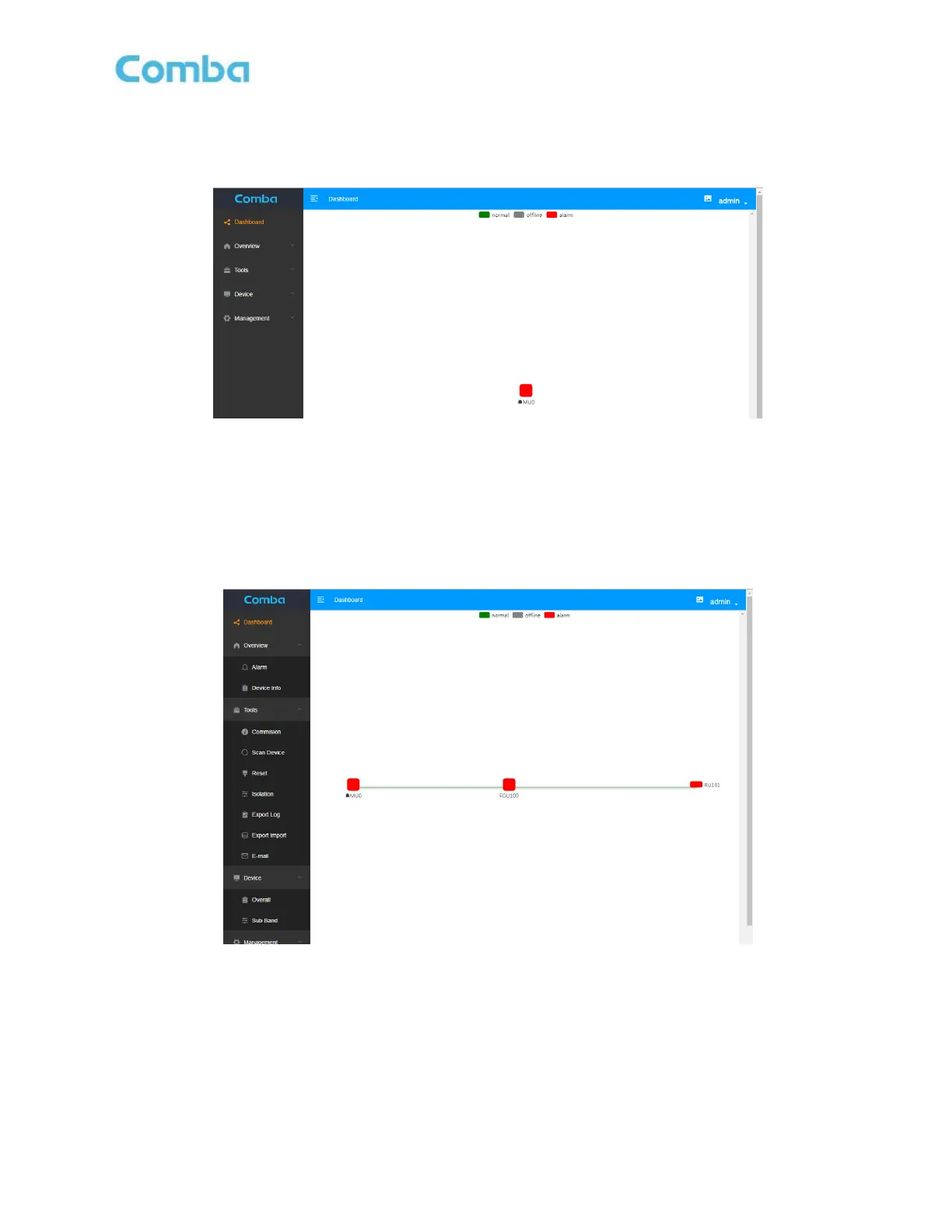
After log in, the Web GUI main screen will appear.
Figure 24: Web GUI Main Screen
On Comba Web GUI Home Screen, there are four Menu bars:
[Dashboard], [Overview], [Tools], [Device]and [Management].
The [Dashboard] Screen shows system topology diagram.
Dashboard Screen
Figure 25: Dashboard Screen
The [Tools] shows Commission, Scan Device, Reset, etc.
Commission screen
The page shows Channel Frequency Information- Class A



 To Next Page